
An icon in a crowded row
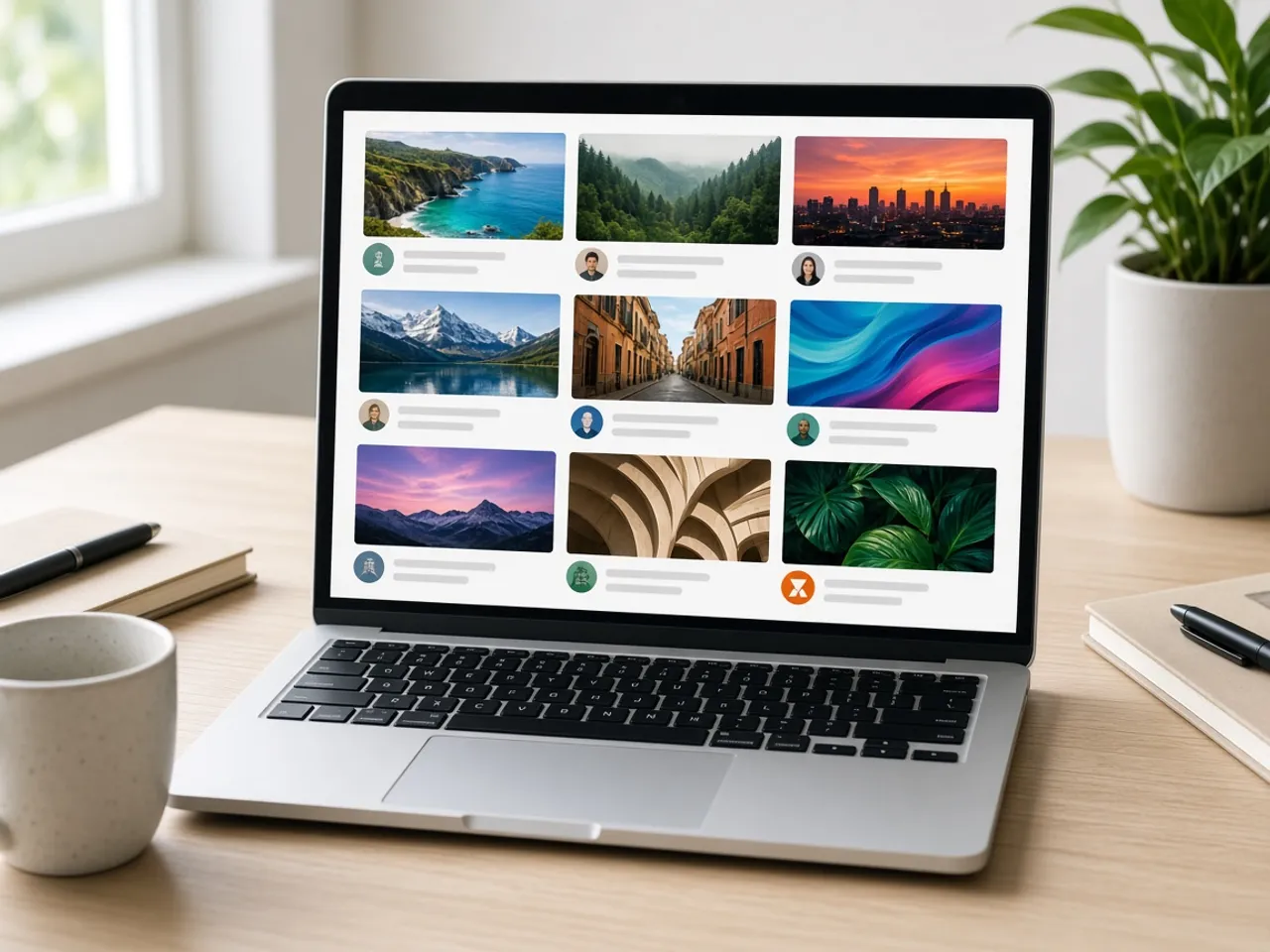
Your channel picture shows up all over YouTube, and almost always small. It sits beside the title under each video, next to every comment you reply to, and in the list of channels a subscriber follows. In search results it shares the screen with dozens of other icons, each one fighting for the same quick look.
In that row, detail loses. A poster with three people and a tagline becomes a smudge. A face filling the circle, or a bold mark on one color with space around it, stays recognizable. Before you upload, check the three small previews under the editor and ask whether you could find your channel in a busy list.
Keeping a logo whole inside the circle
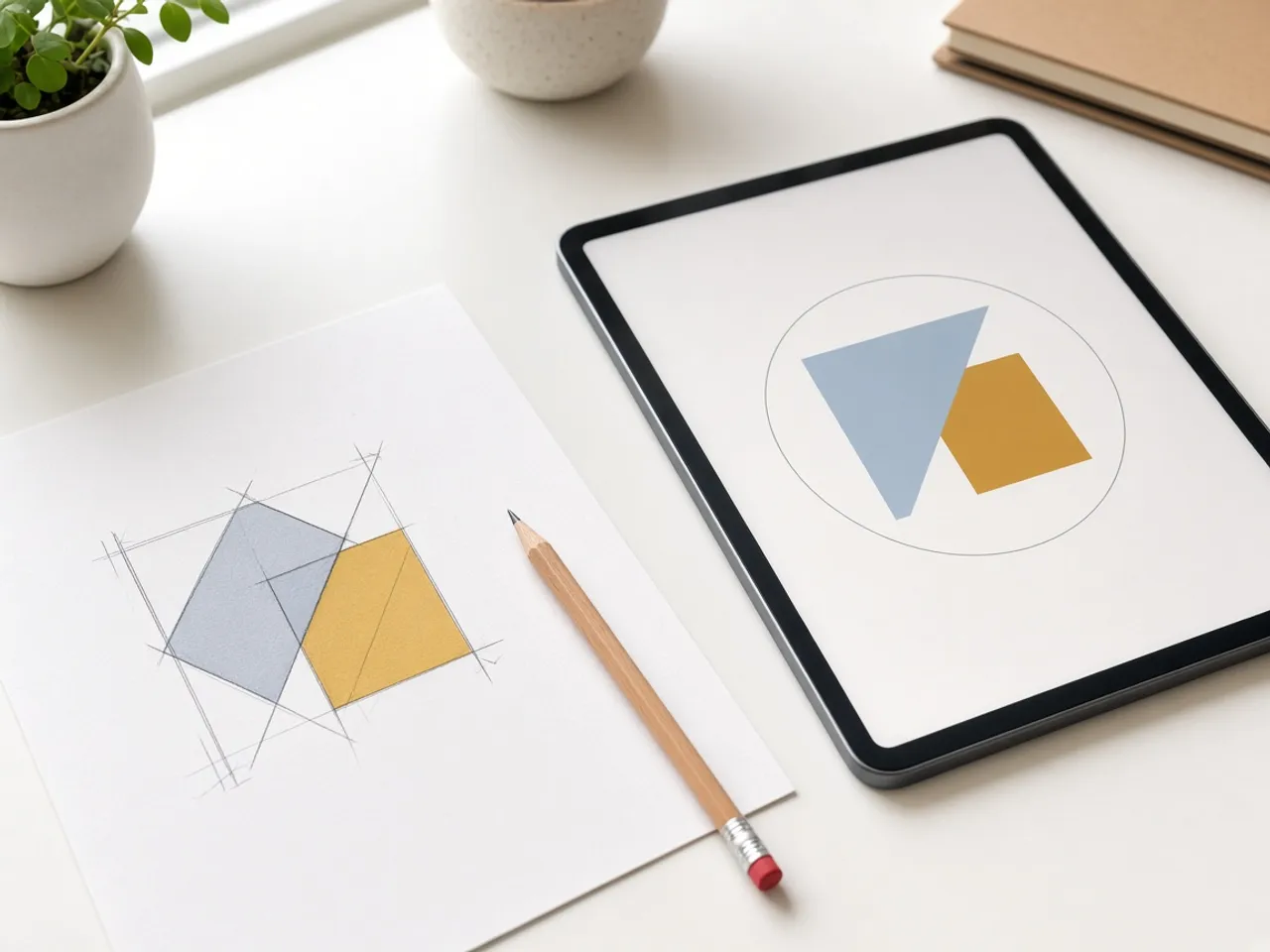
Most channel logos are designed as squares or wide wordmarks. When YouTube turns the picture into a circle, anything near the corners is cut away. That is how a channel ends up with half a letter or a clipped tagline sitting next to its videos.
In the editor, zoom out until the full mark sits inside the round frame with a margin all around. If the logo is wide, consider using only the symbol and leaving the name to the title beside it. A small, simple icon is easier to recognize than a long word squeezed into a tiny circle.
What the YouTube profile picture size means for you
YouTube publishes the details of its channel picture rules, which are summed up in the questions below. In short, the circle on screen is small, so the YouTube profile picture size you export is far less important than how simple the icon is.
Pick one of the size buttons, or keep the default. Any of them gives a crisp square that YouTube can scale down. Spend your time on the framing instead: a centered face, or a clean mark that still reads in the smallest preview.
Channel icon, banner, and thumbnails
A channel has three kinds of images, and each has its own frame. The banner is the wide strip across the top of your channel page. Thumbnails are the previews for each video. The channel icon is the small circle that follows you everywhere.
Do not try to make one picture do all three jobs. If a scan of your artwork came in sideways, fix it first with the rotate tool. If you need a square file for a thumbnail, the square crop tool is the better fit. Then come back here for the circle.
Icon ideas that survive small sizes
- Your face, close up, with even light.
- A single symbol from your logo on a solid background.
- One or two strong colors that match your thumbnails.
- For a podcast, the cover art cropped to its central graphic.
Test the icon before you upload
Before you change your channel picture, look at it from across the room or hold your phone at arm’s length. If you can still tell what it is, it will hold up in search results and on a TV screen.
Ask a friend which channel it reminds them of. If they guess yours, the icon is doing its job. If they hesitate, simplify it: fewer colors, a bigger face, or just the main shape of your logo. A minute of testing now saves you from changing the icon twice.
Frequently asked questions
What is the YouTube profile picture size?
YouTube’s channel branding help says the picture renders at 98 by 98 pixels and the file should stay under 15 MB. Animated GIFs are not allowed. A PNG or JPG from this page fits those rules.
Should I export a larger YouTube profile picture size than the one on screen?
Yes. A larger square from a sharp source gives YouTube more to work with and still looks crisp on high-resolution screens. Every preset here is larger than the rendered circle.
Why is my logo cut off in the circle?
The corners of a square disappear once YouTube masks the picture. Zoom out until the whole logo sits inside the round preview with space around it.
Can I upload an animated icon?
No. YouTube’s help page rules out animated GIFs for the channel picture, and this editor exports a still image.
Does the YouTube profile picture resizer change my Google account photo?
This page only makes the file. Whether your channel picture and account photo are linked depends on your account settings in YouTube and Google.
Does my artwork get uploaded here?
No. Your logo or portrait is cropped in the browser and stays on your device until you upload it to YouTube.
Sources
- YouTube channel picture: Renders at 98×98, up to 15 MB, JPG GIF BMP PNG, no animated GIF
- YouTube artist avatar: 800×800 for an official artist channel, not a general channel
- createImageBitmap: The browser decodes the photo on this device
- HTMLCanvasElement.toBlob: The download is written by the browser, not uploaded