
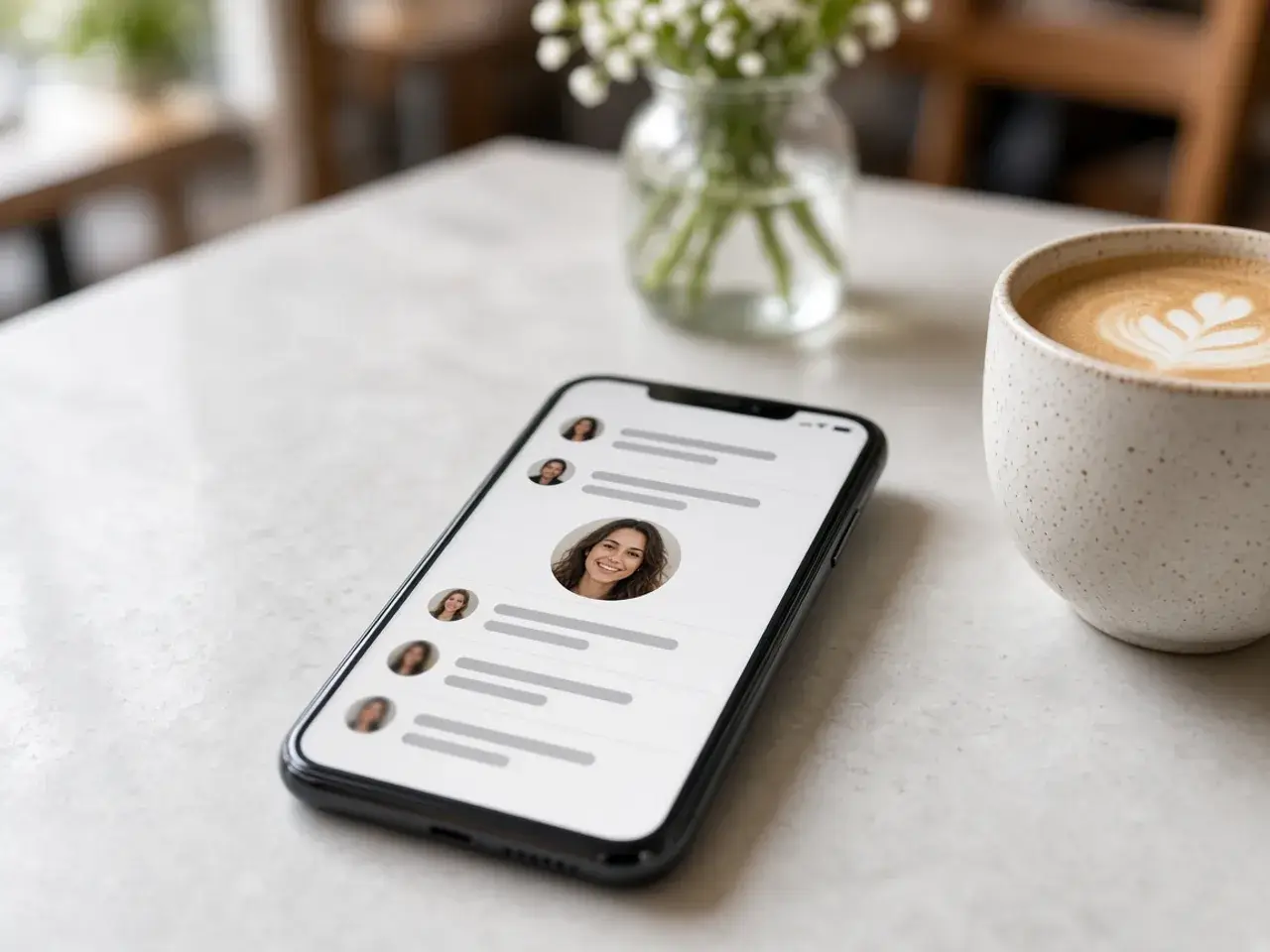
Where people actually see your circle
Most people never open your profile. They meet you as a small circle next to a comment, in a list of likes, or at the top of the story tray when they open the app. At that size, a wide photo of you on a beach becomes a speck of skin and sand. One face, close enough to fill the frame, is what still reads.
Before you change anything in the app, look at the three small previews under the editor. If you can tell who it is in the smallest one, the photo will work beside comments. If not, zoom in a little more and check again. It takes a few seconds and saves you from posting a crop you would replace by tonight.
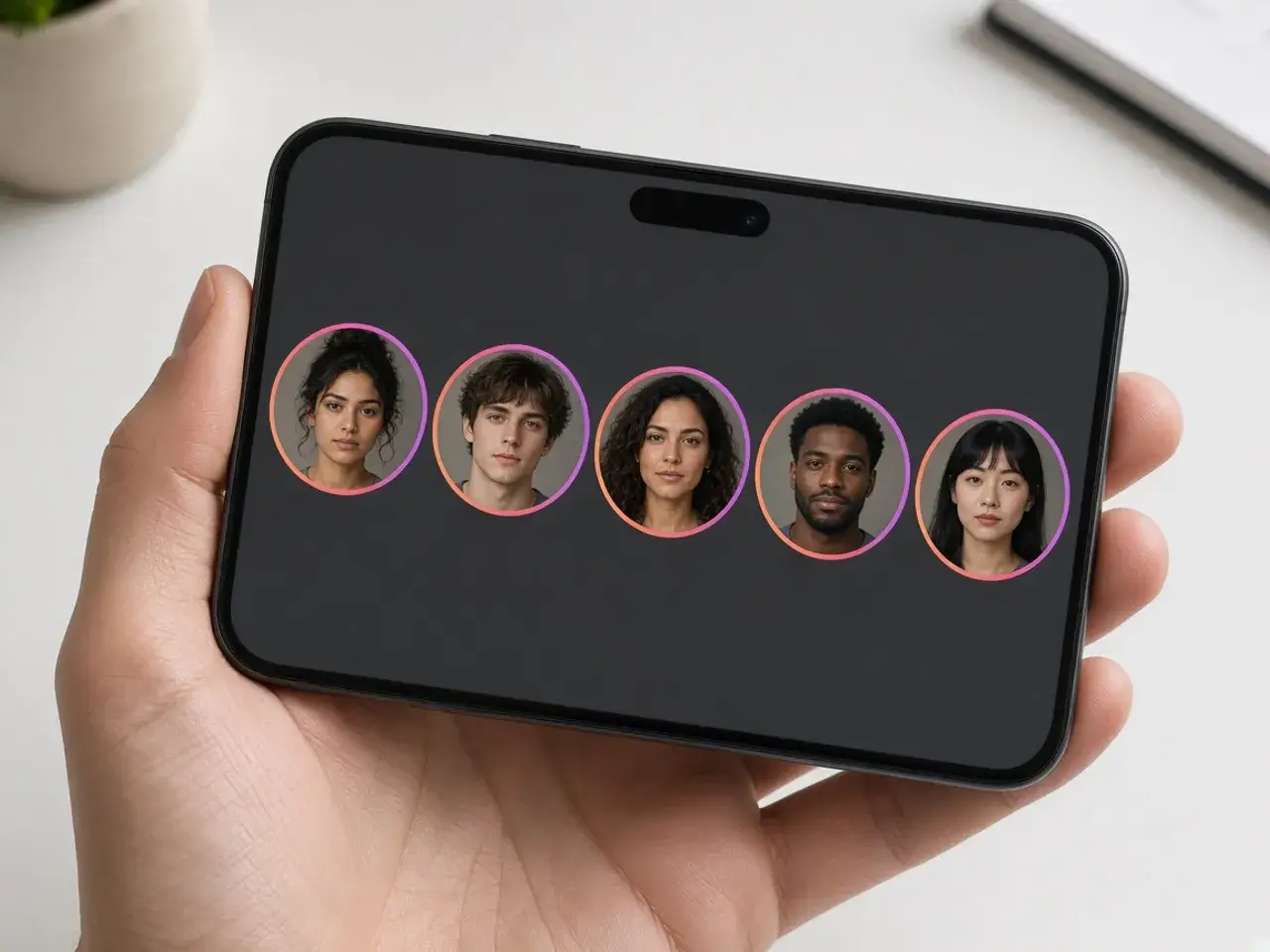
Framing for the story ring
Share a story and a colored ring appears around your profile circle, telling friends there is something new to watch. That ring pulls the eye straight to the photo inside it. A portrait with the eyes near the middle and a little space around the head looks deliberate there. A forehead sliced off at the top looks like an accident.
The same ring is why a logo needs breathing room. Letters that touch the edge of the circle feel squeezed once the ring sits around them. Zoom out until the whole mark rests comfortably inside the round frame, then check the small previews one more time.
Picking an Instagram profile picture size
You do not need to chase an exact Instagram profile picture size. The size buttons under the preview let you choose how large the download is, and the editor starts on a sensible middle option. A larger file is never a problem, because the app shrinks the photo to fit the circle anyway.
The source photo matters far more than the number you pick. A sharp shot straight from your phone camera stays crisp at any export size. A screenshot of a screenshot stays soft no matter which button you press, so start from the original whenever you can.
A post and a profile photo do different jobs
It is tempting to reuse your best post as your profile photo. Posts are viewed at full width, so they can hold a whole scene: a table of food, a skyline, three friends on a bench. The profile circle keeps only the middle of that scene and shrinks it to the size of a fingertip.
If you love a group photo, crop it down to one person here and keep the full version on your grid. If you run a brand account, use the logo or a simple product shot instead of a styled flat lay. When another app should mask a square file itself, the square crop tool is the better fit.
Quick fixes before you download
Phone photos often need a small correction before they make a good avatar. The editor has the common ones built in, so you do not have to open a second app:
- Straighten levels a tilted selfie by a few degrees.
- Rotate turns a photo that saved sideways.
- Flip mirrors a selfie so a shirt print reads the right way.
- Undo and Reset take you back if you zoomed too far.
One portrait, every account
Once the face looks right here, you can reuse the same file on other networks. The PFP cropper is the general version of this editor, and the border tool adds a colored ring if you want the circle to stand out on a white page.
Frequently asked questions
What is the Instagram profile picture size?
Instagram’s help article on changing your profile photo explains the steps but does not state a pixel size. The 1080-pixel width you may have read about applies to shared posts, not to profile photos. Choosing an Instagram profile picture size comfortably larger than the circle works well.
Should I upload a round image or a square one?
Either works. Instagram shows any upload as a circle, so the corners are hidden. Uploading the round file from this page simply means you already decided where the center is.
Why does my profile photo look blurry?
Usually the source was small or heavily compressed, such as a photo saved from a chat. Start from the original camera photo, frame it again, and export a fresh file.
Does the Instagram profile picture resizer work in a phone browser?
Yes. Open the page in your phone’s browser, tap Upload, pinch and drag to frame the face, and download. Then set the photo from Edit profile in the Instagram app.
Will a larger Instagram profile picture size look sharper?
Only up to a point. A bigger export from a sharp photo gives the app plenty to work with, but no size setting can rescue a source that was already blurry.
Is my photo sent to a server?
No. The crop runs in your browser, and the picture stays on your device until you choose it inside Instagram.
Sources
- Instagram: change your profile photo: How to set the photo. No pixel size
- Instagram: photo and video resolution: Shared photos up to 1080 wide. Not the avatar size
- createImageBitmap: The browser decodes the photo on this device
- HTMLCanvasElement.toBlob: The download is written by the browser, not uploaded