

Built for a round result, not a full editor
Kapwing, CapCut, and similar tools bury the circle inside timelines, overlays, and account walls. A focused circle crop video page has one job: turn the clip you already have into a round export you can place. You see how it reads at a small avatar size before you commit to a file.
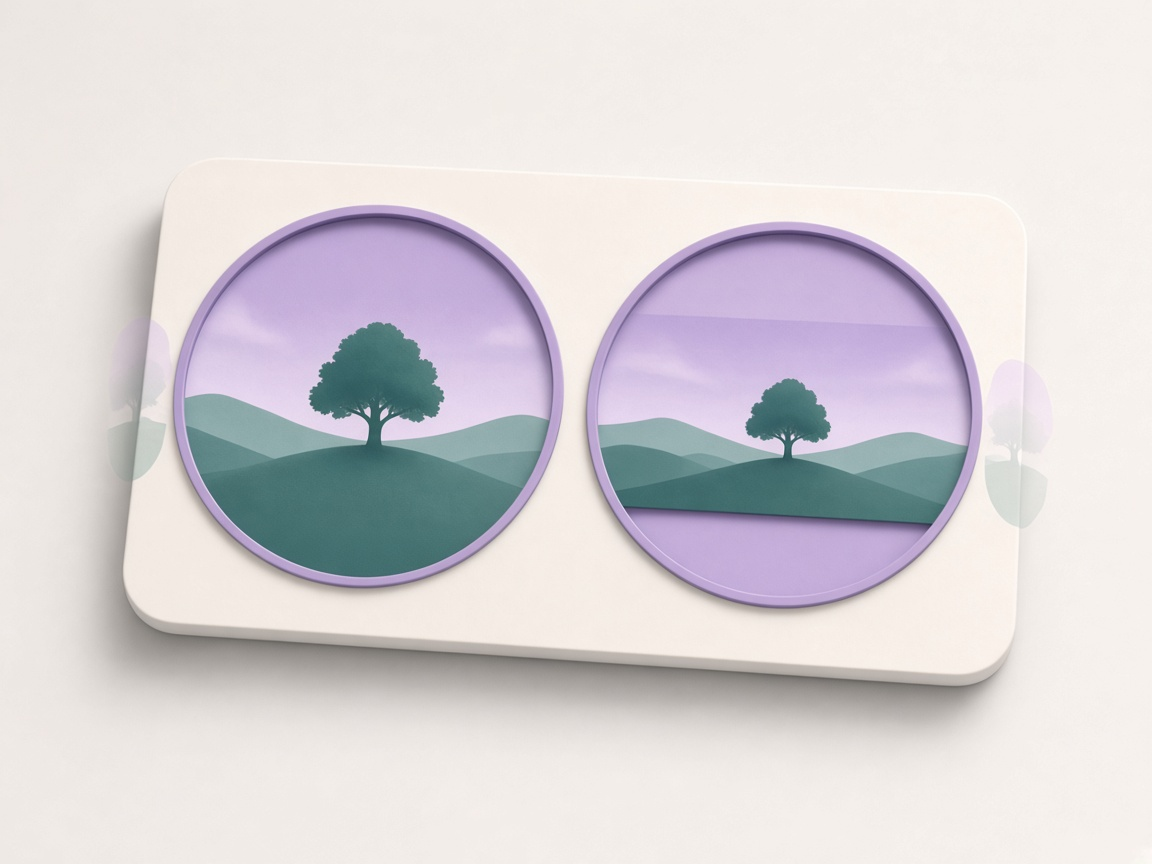
Fill the circle, or keep the whole scene
Fill crops into the circle when a face or product should dominate. Fit shrinks the full frame so nothing important is cut off, with colour, green screen, gradient, or a soft blurred backdrop behind it. Choose everyday MP4, green for keying, or WebM when a clear outside matters in your browser.
Where a round export fits
A circle crop video earns its place when the next destination already thinks in circles: a face over a tutorial, a looping product shot on a store page, or a short clip that should feel like an avatar in motion. Wide landscape footage works when the subject stays near the middle. If the whole scene matters, keep the full frame inside the circle instead of cutting the sides.
Some chat and social apps draw their own circle from a square file, so a 1:1 export is enough. Editors that cannot mask video can still use a separate circle-mask still laid over the original clip. In both cases you leave with a file, not a project that only opens inside one brand of software.
Teams use the same idea for speaker bubbles on recorded meetings, course intros, and marketplace cards that need motion without a rectangular poster. The shared need is a finished round look that drops onto a slide, a site block, or a chat send box without another round of layout work.
MP4, WebM, and the four corners
A circle always leaves four corners to decide. MP4 is the everyday choice: it plays on phones, desktops, and almost every editor, and it fills those corners with a solid colour or with green for chroma key. WebM can keep a transparent outside in browsers that support it, but fewer apps will open that file cleanly. Neither format invents a true round container. The circle is painted into a square video.
That is why “transparent circle video” and “green screen circle” are different answers to the same geometry problem. Pick colour fill when the destination is a known background. Pick green when a desktop editor will key the outside. Pick WebM only when you control the player and have checked that it keeps alpha.
If a clip will not open here, the codec may be unsupported on that browser. HEVC from some phones is a common desktop blocker. An H.264 MP4 remains the most reliable source file across Chrome, Firefox, Edge, and Safari.
Framing that still reads when it is small
For a clean circle crop video, keep eyes, logos, and text away from the rim. A crop that fills the circle edge to edge can look tight once another app adds a ring or shrinks the file to a comment size. Landscape shots lose left and right when you fill the circle; fitting the whole frame inside is better when every edge of the scene matters.
Short clips finish more smoothly than long ones, and very large phone recordings may need a smaller output size. Export speed often tracks clip length, so a minute of footage can take about a minute. Your original gallery file is never overwritten. You always download a new copy.
If the subject sits off-centre in the camera original, reframe before you export. A second pass costs less than discovering the crop is wrong after the file is already in a slide deck or a product page. Quiet backgrounds help too: busy patterns pull attention once the circle is small.
Frequently asked questions
What is a circle crop video?
A square video with the picture kept inside a round frame. Corners are filled with colour, green for keying, or left clear when WebM transparency is available.
Does the video keep its sound?
Yes. Sound is included by default. You can mute the export if you only need the picture.
Can I get a transparent background?
WebM can keep a clear outside where the browser supports it. MP4 cannot store transparency, so it fills the corners with a colour you choose, or with green for chroma key later.
Is my video uploaded or watermarked?
No. Processing stays on your device. There is no watermark and no account.
How long can the video be?
Short clips work best. Export often runs close to real time, so a one-minute clip can take about a minute. Long or huge files are slower on phones.
What if I searched for circle corp video?
You are in the right place. Corp is a common misspelling of crop; the tool still makes a circle crop video.
Which video formats work?
MP4, MOV, and WebM that your browser can play. If a file fails to load, try another browser or convert it to H.264 MP4 first.