
Why an oval suits a portrait
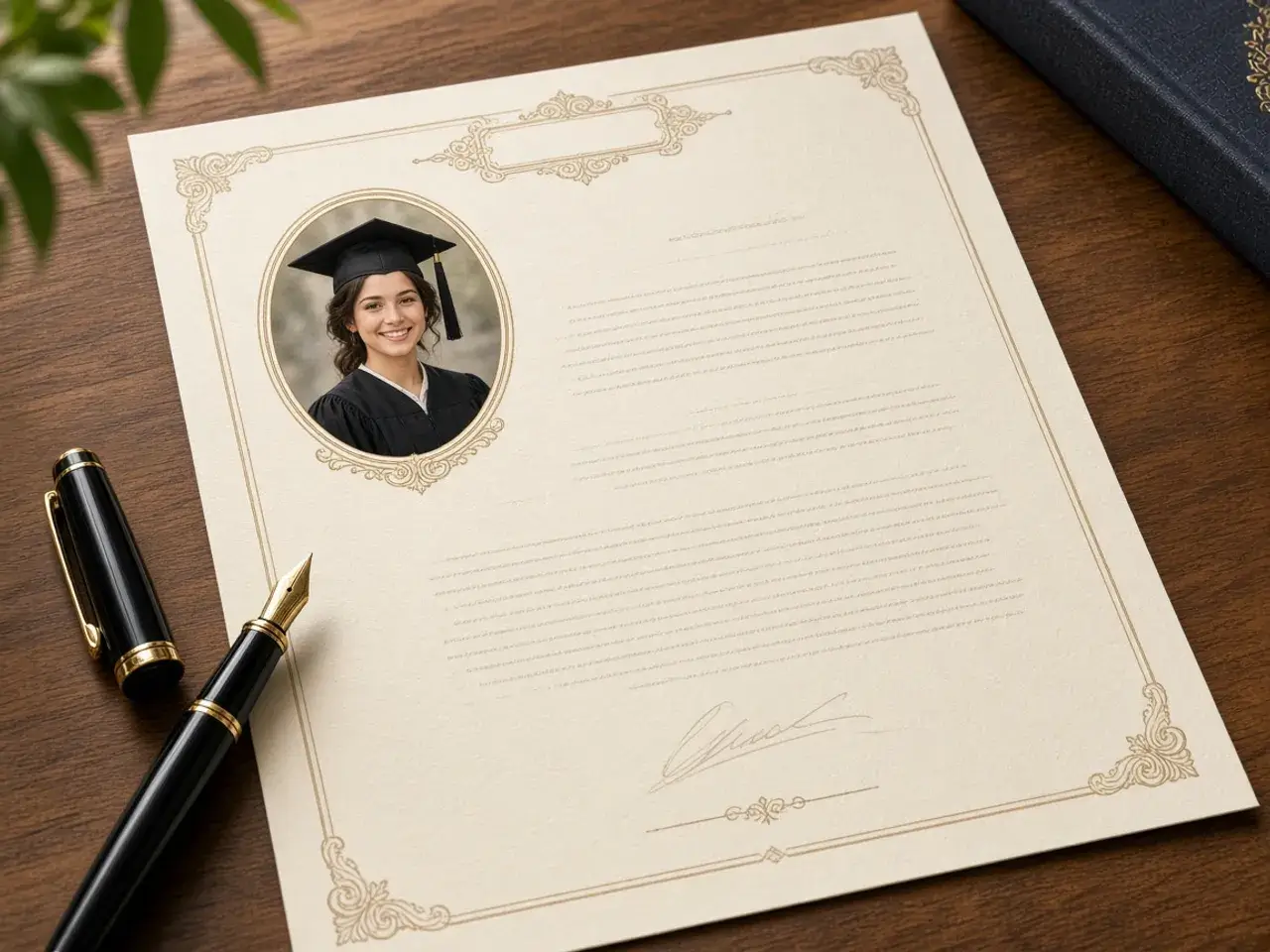
Put a face in a circle and you often have to choose between the forehead and the chin. An oval solves that. Because it is taller than it is wide, the whole head fits comfortably, with room for the neck and the top of the shoulders. The portrait looks calm and complete instead of squeezed.
That is why ovals appear on certificates, graduation programs, and family keepsakes. The shape feels formal and warm at the same time.
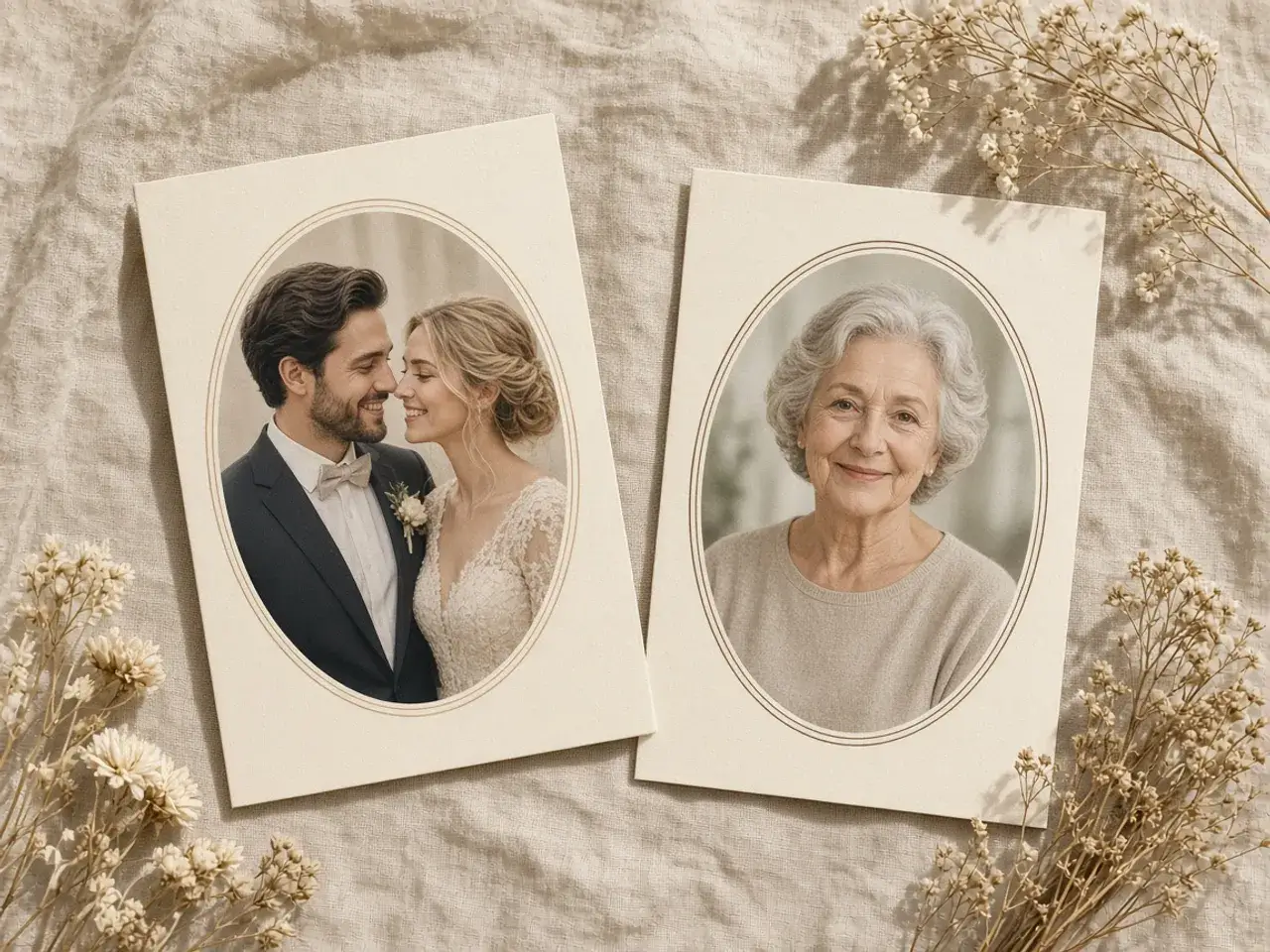
An oval for cards and keepsakes
Wedding programs, memorial cards, and anniversary invitations often use an oval photo because it looks gentle and timeless. With a clear background, the oval sits on any paper color or pattern and looks as if it was printed there.
Frame the person so their eyes sit a little above the middle of the oval. Leave a bit of space above the hair so the portrait does not feel cramped.
Choosing between the two oval shapes
The slightly taller oval is a good all-rounder for headshots and badges. The taller one leaves more room for shoulders and suits formal portraits, frames, and lockets. Switch between them on the same photo and keep the one that looks balanced.
Oval crop image tips for a polished result
- Use a photo where the person faces the camera or turns slightly.
- Pick a plain background so the outline of the oval stays clean.
- Keep the eyes in the upper third of the shape.
- Leave the shoulders in view; they make the portrait feel grounded.
- Download a PNG so the corners stay clear on colored paper.
Choosing the right photo
The best oval portraits start with a photo taken from about chest height, with the person looking at the camera or turned slightly. Natural window light is kinder to faces than a ceiling lamp. A plain wall, a soft garden, or an out-of-focus background keeps attention on the person.
Avoid photos where the head is cut off at the top or the shoulders are missing. The oval needs that room. If you only have a tight selfie, zoom out as far as the photo allows and center the face in the upper part of the shape.
Using oval portraits in a layout
Ovals look best with a little space around them. On a certificate, place the oval beside the name or above the signature line. On a memorial card, center it near the top and let the text sit below. In a family tree or a yearbook page, keep every oval the same size and line them up in rows so the page feels calm.
A thin frame line or a soft shadow around the oval can add a classic touch. Add those in your card or document app after you place the clear-background oval.
Ovals for badges and name tags
Staff badges, volunteer passes, and conference name tags often have a small photo area. An oval crop image fits a face into that space more naturally than a circle, because it keeps the chin and the top of the head. Use the same oval shape and zoom for everyone so a stack of badges looks uniform.
Restoring old family photos
Oval frames were common in old family portraits, so the shape suits scanned photos from an album. Scan or photograph the print in good light, make an oval crop image from it here, and the result fits naturally into a family history book, an anniversary slideshow, or a reunion invitation.
If the old print has a damaged edge or a stain in one corner, an oval crop image can quietly leave those parts out.
Is your circle turning into an oval by accident?
If you wanted a circle and an app keeps showing an oval, the problem is different: the app stretched a round shape over a wide photo. That is not what this page is for. Crop the photo to a square with the square crop tool first, or read why a circle crop turns into an oval for the full fix.
Private, free, and quick
Your photo stays in your browser the whole time. Nothing is uploaded, there is no sign-up, and the oval crop image you download has no watermark. For a perfectly round version of the same portrait, use the circle crop image editor instead.
Frequently asked questions
Is an oval crop image the same as a stretched circle?
No. This oval is designed to be taller than it is wide. A stretched circle is a mistake that happens when an app masks a wide photo.
Which oval shape should I pick?
Try the slightly taller one for headshots and the taller one when you want the shoulders in view. Compare both on your photo.
Can the background around the oval be transparent?
Yes. Download a PNG or WebP. JPG fills the corners with a solid color.
What photos work best in an oval?
Head-and-shoulders portraits with a plain background. Group photos rarely fit well.
Can I use the oval on a certificate or a card?
Yes. The clear background lets it sit on any paper color or design.
Is my photo uploaded?
No. The oval is made in your browser, and the picture never leaves your device.
Sources
- createImageBitmap: The browser decodes the photo on this device
- HTMLCanvasElement.toBlob: The download is written by the browser, not uploaded