
Start with a photo you already have
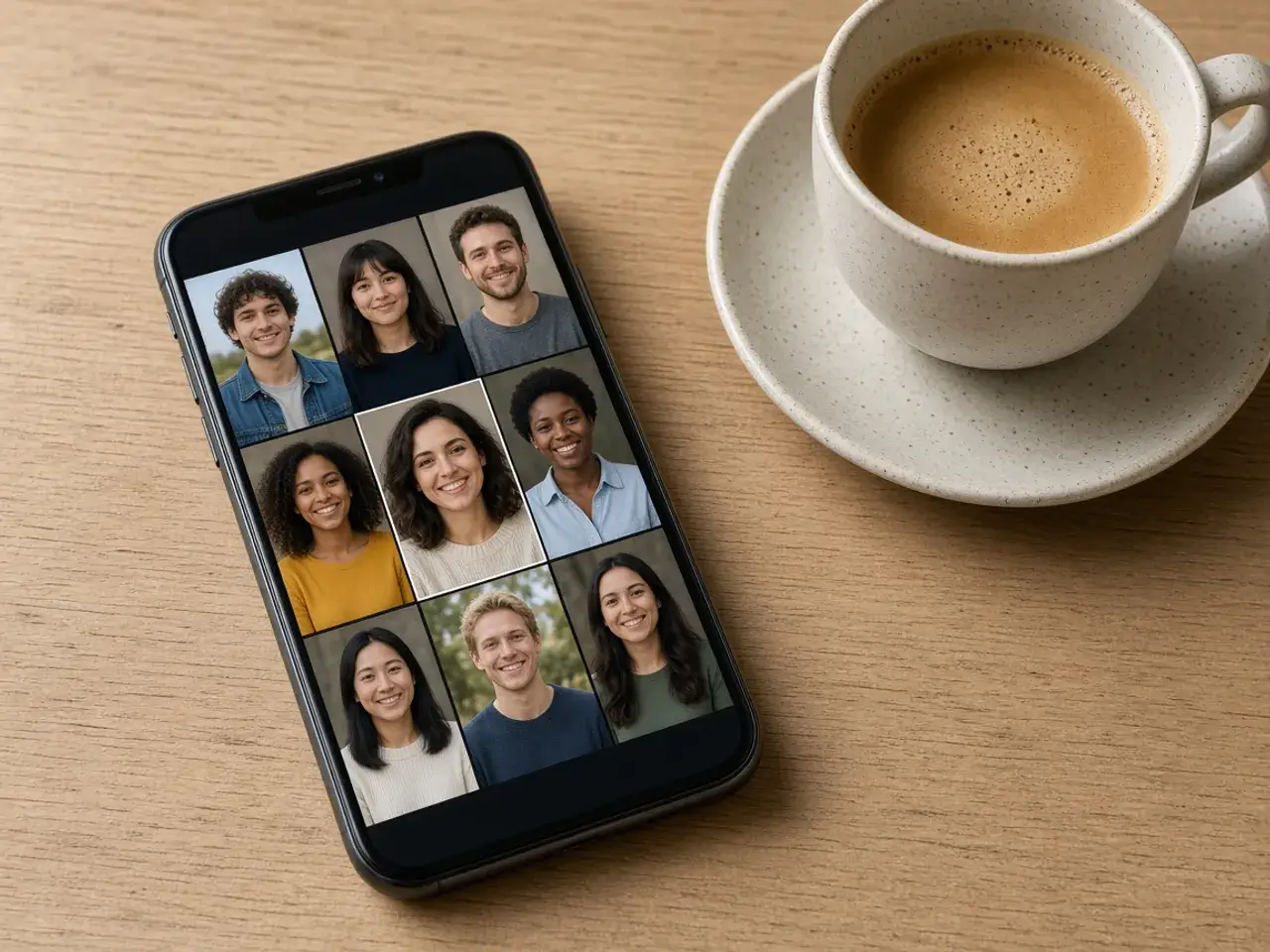
You do not need a studio shot. A phone photo taken near a window, with your face and shoulders in view, is enough for a profile picture that looks deliberate. What matters most is that your face is sharp and fills a fair part of the frame, because the round crop throws away the corners and everything near the edges.
Group photos and wide holiday shots are harder. You can still zoom in on one person, but the result is only as clear as that small part of the original. If you have a choice, pick the picture where you are closest to the camera. A plain wall behind you usually looks better in a small circle than a busy street.
Why it pays to frame the circle yourself
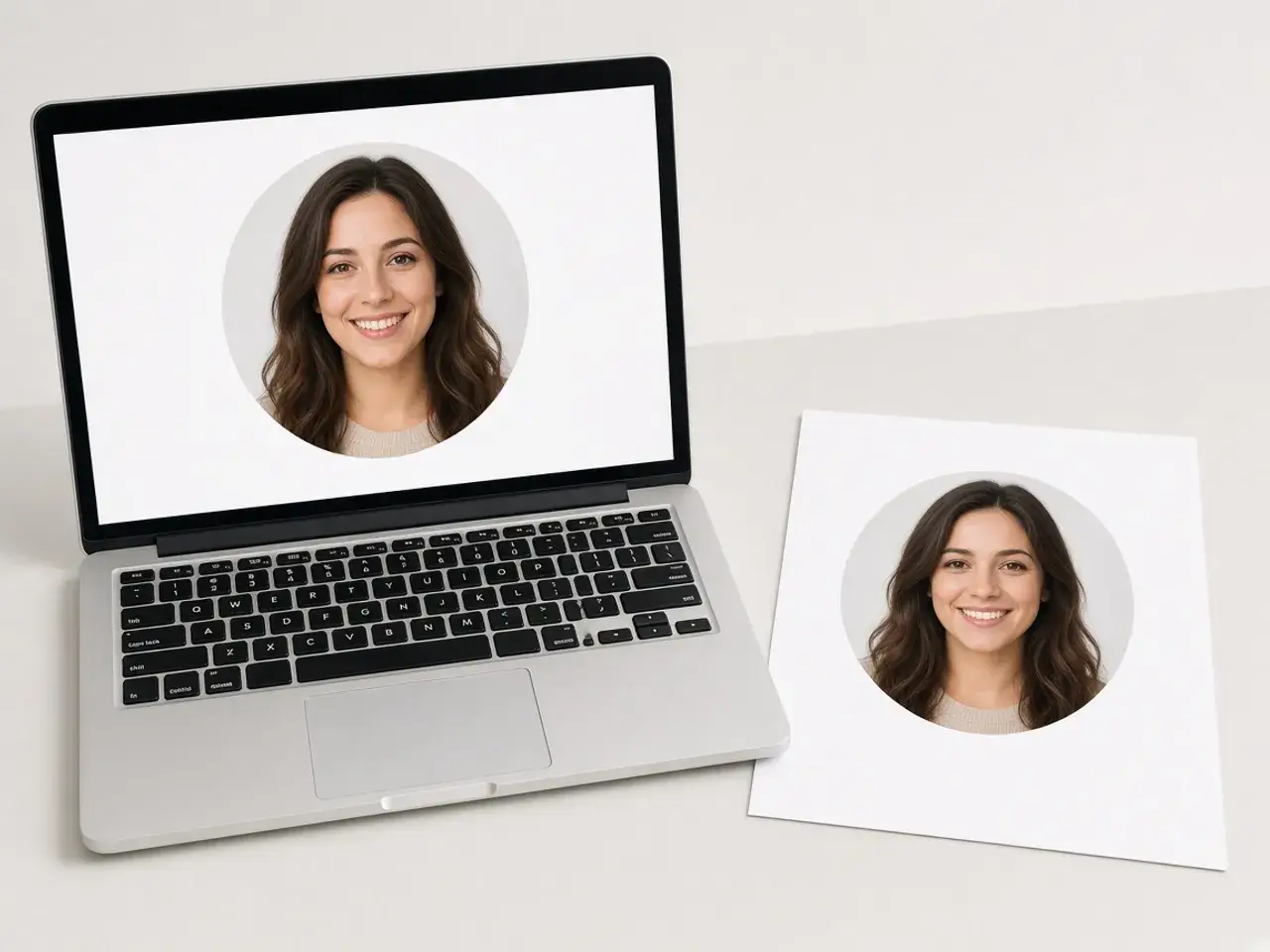
When you upload a rectangle, most sites simply keep the middle and mask it into a circle. That is how people end up with half a forehead, a missing chin, or a face pushed off to one side. Framing the picture before you upload leaves the site nothing to guess.
It saves time later, too. Once you have a circle you like, keep the file. The next time a new app asks for a photo, you already have one that is centered, sized, and tested at small sizes.
What makes a profile picture read well in a circle
A profile photo is usually seen at the size of a fingernail, next to a name. A few small habits make a big difference at that size.
- Leave a little space above your head. A crop that touches the top of your hair looks cramped once it is round.
- Keep your eyes slightly above the center of the circle. That is where people look first.
- Use the straighten slider if the phone was tilted. A crooked line behind you is easy to spot, even when the picture is small.
- Choose a background that stands apart from your hair and clothes. Dark hair against a dark wall disappears in a small circle.
- Check the three small previews before you download. If you cannot tell who it is in the smallest one, zoom in a little more.
Choosing a size and a file type
If the site you are uploading to names a size, use that number, or type it into the custom field when it is not one of the presets. If the site names nothing, 512 is a sensible default: sharp enough for a profile page and light enough for any upload form. Our size chart lists what the major networks actually publish.
PNG keeps the outside of the circle transparent, which is what you want when the picture will sit on a colored page or a slide. WebP does the same and is often smaller. JPG cannot be transparent, so the corners turn white. Pick it only when the corners do not matter, for example when the site masks the photo again anyway.
One headshot for every account
People recognize a face faster than a name. Using the same round photo on your work chat, your email, a forum, and a school portal makes you easier to find in each of them. Make the circle once, save it somewhere you can find it, and reuse it until you change your look.
For a tighter avatar for a game or a group chat, the PFP cropper has tips for that job. Pages for individual networks are collected under circle profile pictures. If you are doing a whole team at once, the circle crop image editor can apply one framing to a set of photos and download them together.
Your photo stays on your device
This circle profile picture maker runs in your browser. Your photo is not sent to us, nothing is stored on a server, and closing the tab clears it. You only share the picture when you upload the finished file to the site you chose. There is no account to create and no watermark on the download.
Frequently asked questions
Is this circle profile picture maker free?
Yes. You do not need to sign up, nothing is added to the picture, and the download is yours to use wherever you like.
Will the site I upload to crop my picture again?
Most sites still apply their own circle. Because your file is already round and centered, their mask lands in the same place and nothing important is cut off.
What size should my profile picture be?
Use the size the site lists in its help pages if it gives one. Many do not. In that case 512 works well on most profile pages, and you can pick a larger size if you want a copy to keep.
Can I make a profile picture from a group photo?
Yes. Zoom in on one person and drag them to the center. The result will be softer than a close-up, so check the small previews before you save.
Why does my picture have white corners?
It was saved as JPG, which cannot be transparent. Download it again as PNG or WebP to keep the outside of the circle clear.
Do I need to install anything?
No. It works in a current browser on a phone, a tablet, or a computer.
Sources
- createImageBitmap: The browser decodes the photo on this device
- HTMLCanvasElement.toBlob: The download is written by the browser, not uploaded