

The circle your friends scroll past
Think about where your picture shows up on Facebook. It sits beside every comment you leave on a cousin’s vacation post, next to your name in a friend’s list, and at the top of a birthday message thread. In each of those places it is small, and people see it for half a second while they scroll.
A photo that looks great on your phone screen can fail at that size. The group shot from the reunion turns into a row of tiny heads. A selfie with a bright window behind you becomes a dark shape against glare. Pick one face, fill the circle with it, and keep the background simple.
Why you should crop it yourself
Adjusting a crop inside a small upload screen on a phone is easy to rush. Framing the picture here first gives you a large preview, a zoom slider, and a way to straighten a crooked shot. By the time you reach Facebook, the hard part is already done.
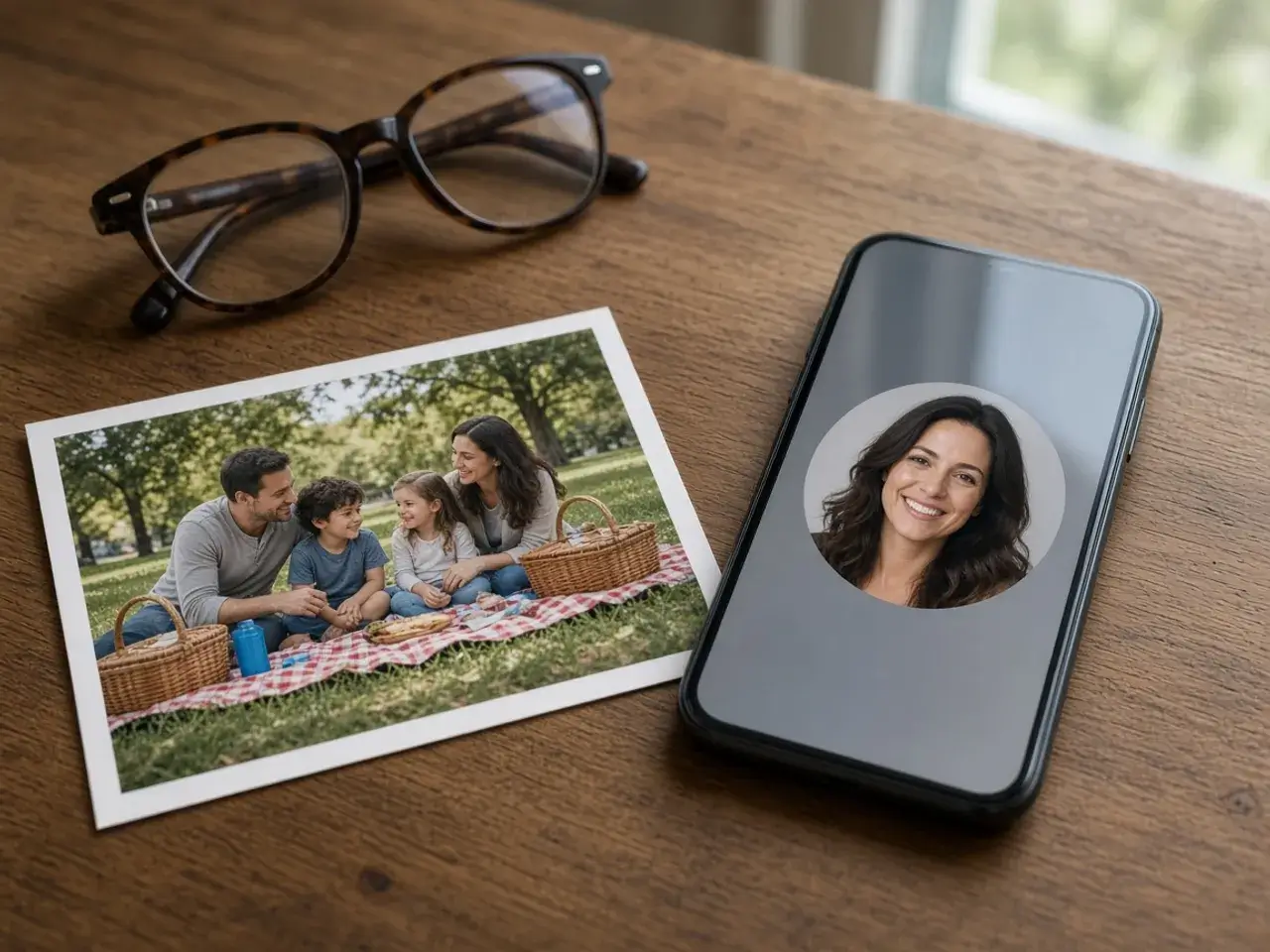
It also helps when relatives share a photo of you that you actually like. Crop yourself out of the family picture, keep the smile, and lose the cluttered living room behind it. The people who know you will recognize that face in an instant.
About the Facebook profile picture size
People often look for an exact Facebook profile picture size before they start. The useful answer is simpler: export a square that is larger than the circle will ever appear, from a sharp source photo. The size buttons let you choose, and the default works for most uploads.
If you start from a small picture, such as one saved from a chat, it will stay soft whatever Facebook profile picture size you pick. Go back to the original from your camera roll, frame it again, and you will see the difference in the small previews right away.
Profile picture and cover photo are separate
Your profile has two images: the round portrait and the wide cover photo behind it. They do different jobs. The cover can be a landscape, a skyline, or a team banner. The portrait has to work as a tiny circle beside your name, so it should be a face or a simple emblem.
Do not stretch one picture to cover both. Crop the circle here, and if you need a square version for a slide or a printed name card, the square crop tool makes that file without squashing the face.
Tips for a portrait that holds up
- Face the light. A window in front of you beats one behind you.
- Leave a little space above the hair so the top of the head is not clipped.
- Choose a plain wall or soft background over a busy room.
- Use a recent photo, especially if old friends are looking for you.
Using the same face on other sites
Many people keep one portrait across every account. Once this circle looks right, the profile picture resizer can export it at another size, and the PFP cropper handles forums, chats, and games that want the same round file.
Frequently asked questions
What is the Facebook profile picture size?
No official Facebook profile picture size could be confirmed when this page was checked, so none is printed here. If Facebook’s own upload screen asks for a specific size, follow that screen. Otherwise, a sharp square larger than the circle works well.
Do I upload a circle or a square?
Either is fine. Facebook displays the photo as a circle, so the corners are hidden. The round file from this page just locks in the center you chose.
Can I crop someone out of a group photo?
Yes. Zoom in on the person you want, drag them to the middle of the circle, and download. The rest of the group stays in the original file on your device.
Why is the top of my head cut off?
The face was placed too high in the frame. Zoom out a little and drag the photo down until there is a small gap above the hair.
Does the Facebook profile picture cropper work on a phone?
Yes. Open the page in your mobile browser, tap Upload, pinch to zoom, and download. Then update the profile picture in the Facebook app.
Do you keep a copy of my photo?
No. Everything happens in your browser. Nothing is stored here, and only you decide where the file goes next.
Sources
- createImageBitmap: The browser decodes the photo on this device
- HTMLCanvasElement.toBlob: The download is written by the browser, not uploaded