
From camera photo to profile picture size
A photo straight from a phone is many times larger than any profile will ever show. Some upload forms reject it, some take a long time, and some shrink and crop it on their own, which is where faces get cut off. Resizing first gives you a file that is the right shape and a sensible weight, with the face exactly where you put it.
Start with the original rather than a screenshot or a photo forwarded through a chat app, which has often been compressed already. The better the starting picture, the sharper the final circle will be at any size.
Why resize before you upload
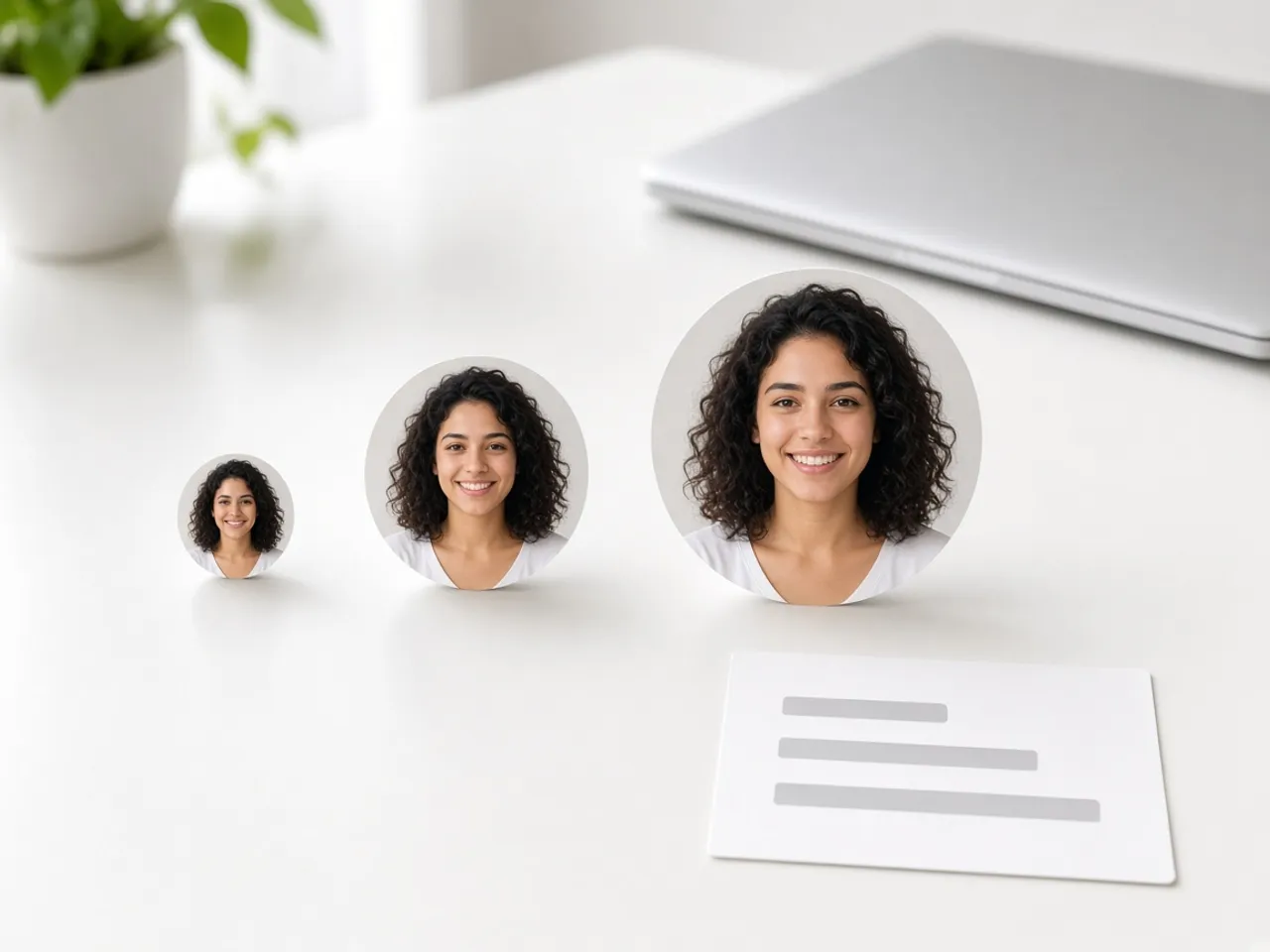
A profile shows your picture in many places at once: a big version on the profile itself and tiny copies beside every message or comment. A file that is too small looks blurry on the profile page. A huge one wastes upload time and leaves the site free to crop it however it likes. A resized circle at a sensible size avoids both problems.
It is also quicker to fix a bad crop here than after the fact. You see the result before it goes live, at the same small sizes other people will see.
Is there one right profile picture size?
No. Each site decides its own, and many do not publish a number at all. Some give a minimum, some give a range, and some only describe how the picture is displayed. When the site you are using lists a profile picture size, use it. When it does not, 512 is the default here, and it works well for most profile pages.
For a quick look at what the big networks publish, see our best size for circle profile picture chart. It names the source for each entry, so you can tell which numbers are official.
Choosing between the preset sizes
Making a picture smaller keeps it sharp. Making a small picture bigger does not add detail, so if your original is a small screenshot, a large export will only look soft. Choose a size your photo can support, and let the small previews be the judge.
- Small sizes suit forums, internal tools, and anywhere the picture only appears in a list.
- 512 is a safe middle ground when you do not know the profile picture size a site wants.
- Larger sizes are good for a master copy you can reuse later, or for pages that show your photo big.
- Custom is there for forms that name an exact number. Type it in and the download matches it.
File type and file weight
PNG keeps the outside of the circle transparent and is the safe choice for most profile uploads. WebP is transparent as well and usually smaller. JPG is often the lightest of the three, but it fills the corners with white, which only works when the site draws its own circle on top.
If a form complains that the file is too large, try a smaller preset first. Switching to WebP or JPG helps too, as long as the site accepts those formats.
Resizing a set of headshots
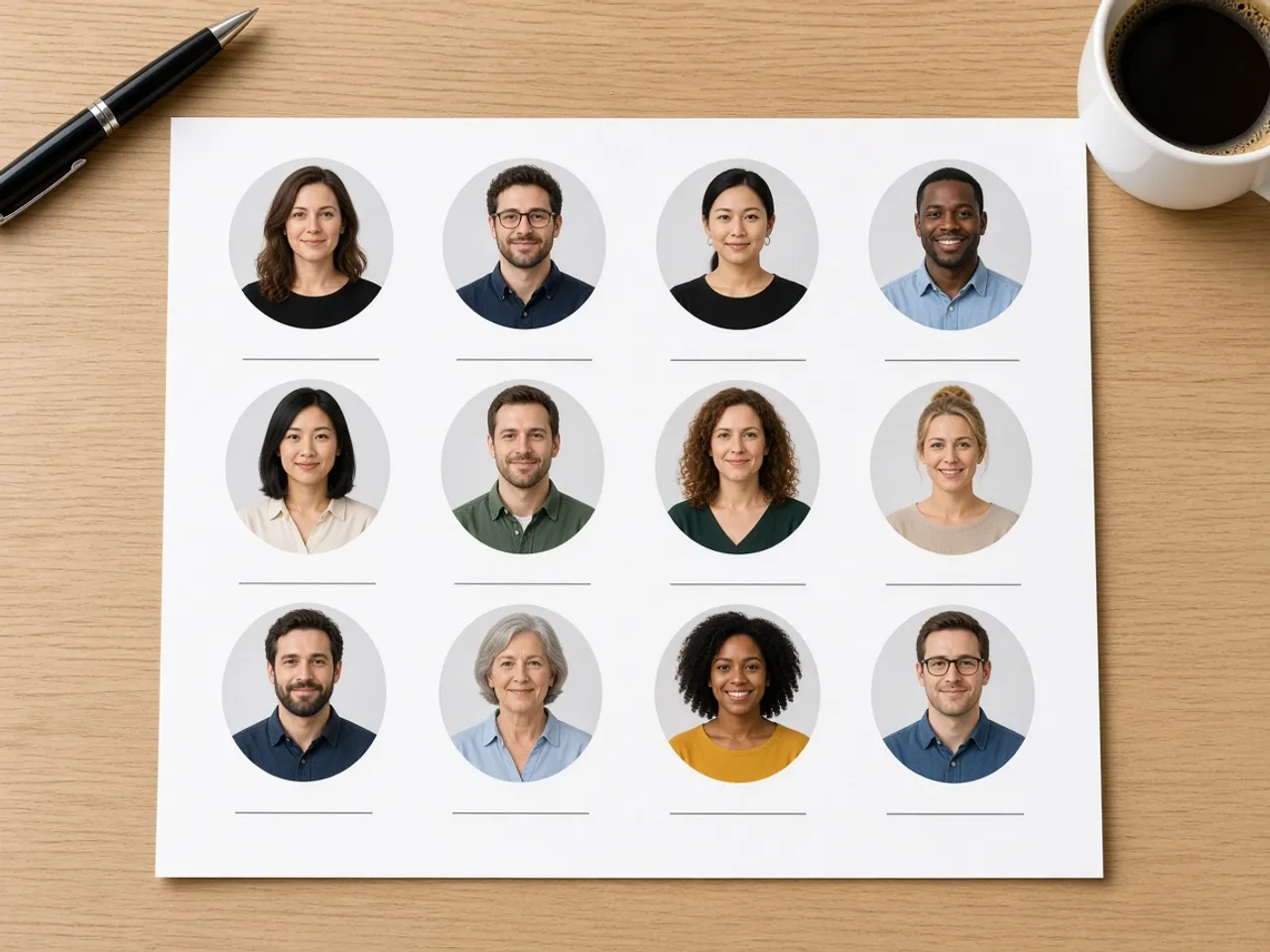
When you are collecting photos for a staff directory or a club roster, decide on one size and one file type before you start, and use them for everyone. Mixed sizes look uneven the moment they sit side by side, even if each photo is fine on its own.
Framing matters as much as size. Try to put every person’s eyes at about the same height in the circle and leave a similar gap above each head. People notice a row of faces that jump up and down far more than they notice a slightly darker photo.
A profile picture resizer that keeps your photo private
Everything happens in your browser. The photo is not uploaded to us, and nothing is kept after you close the tab. That matters for a picture of your own face, a client’s headshot, or a student’s portrait. You share only the finished file, and only with the site you choose.
If the photo still needs a better crop, the PFP cropper has framing tips, and the circle profile picture maker covers choosing a good photo in the first place.
Frequently asked questions
What profile picture size should I use?
Use the size listed in the site’s own help pages. If it lists none, 512 works for most profiles, and you can go larger if you want a copy to keep.
Will resizing make my picture blurry?
Shrinking a large photo keeps it sharp. Enlarging a small one cannot add detail, so pick a size your original can support and check the small previews.
Can I set an exact file size in kilobytes?
Not yet. You choose the size and the file type, and a smaller preset or a JPG gives you a lighter file.
Is the profile picture resizer free?
Yes, with no sign-up and no watermark on the result.
Is the download a circle or a square?
It is the round picture, with the outside left clear in PNG and WebP. If a site wants a plain square that it will crop on its own, use the square crop tool instead.
Does resizing change the original photo?
No. The original stays exactly as it was in your camera roll or folder. The page makes a new file and leaves the first one alone.
Does the profile picture resizer work on my phone?
Yes. The page works in a mobile browser, and you can pinch to zoom inside the circle.
Sources
- LinkedIn profile photo: 400×400 to 7680×4320, 8 MB, PNG or JPG
- YouTube channel picture: Renders at 98×98, up to 15 MB
- Discord custom profiles: PNG and GIF. No pixel size
- createImageBitmap: The browser decodes the photo on this device
- HTMLCanvasElement.toBlob: The download is written by the browser, not uploaded