A pfp cropper for faces, pets, and characters
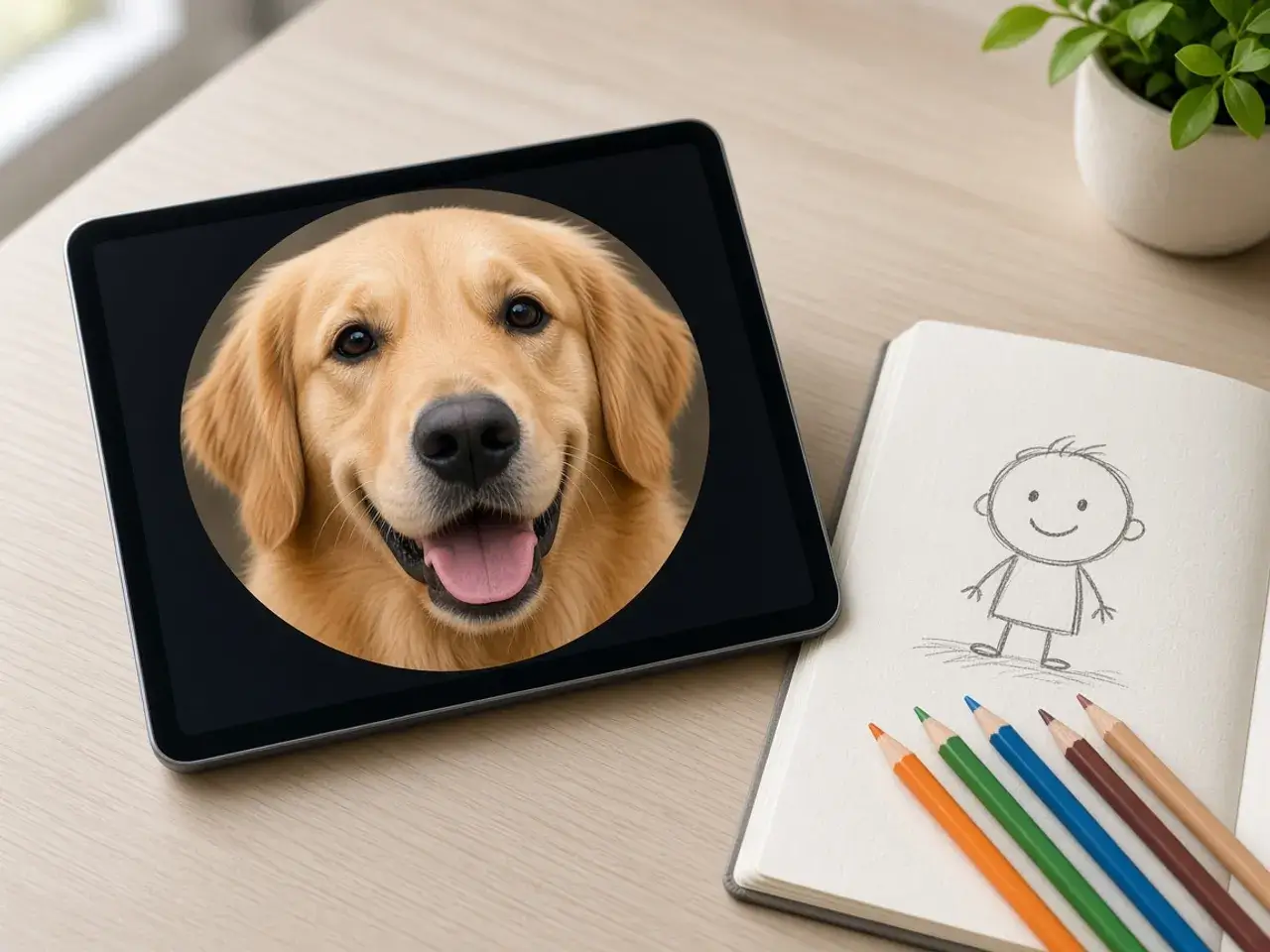
A pfp is often not a portrait at all. It might be your dog mid-yawn, a sketch you drew, a character from your favorite game, or a club logo. Each one has a part that has to stay in the circle: the eyes, the outline, the letter in the middle. This avatar cropper lets you put that part in the center and let the rest go.
Drawings and flat graphics usually stay crisp at small sizes, while photos of people get soft faster. If your avatar is a photo, zoom in more than feels natural. A head that fills most of the circle reads far better in a list than a full-body shot.
Why crop the avatar before the app does
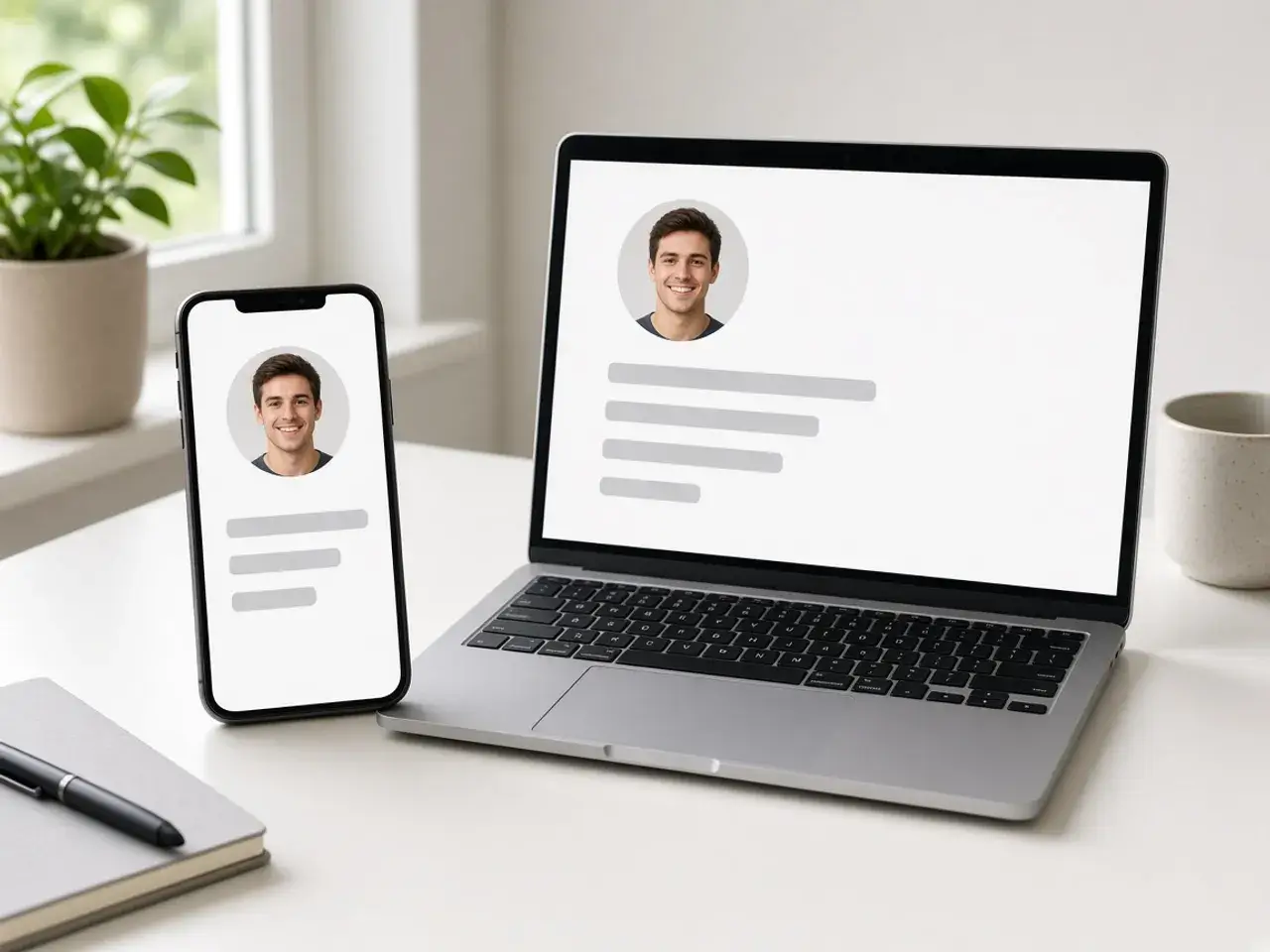
When you upload a rectangle, most apps keep the middle and cut a circle out of it. If your subject is off to one side, or the photo is tall, the app may trim an ear, a hat, or the bottom of a logo. Cropping the circle yourself means the app’s mask has nothing left to cut.
It also means one file for every account. Run your picture through an avatar cropper once, save the result, and you can set the same picture in a chat app, a game launcher, and a forum in a couple of minutes, without cropping again inside each one.
Tips for a pfp that reads at small sizes
Whatever avatar cropper you use, these habits decide whether people can tell what your picture is when it is the size of a fingertip.
- Fill the circle. Empty space around a face or a logo makes the subject tiny in a list.
- Keep important details away from the edge. The rim of the circle is where ears, hats, and letters get clipped.
- Pick strong contrast. A light subject on a light background blurs into one shape when it is small.
- Straighten a tilted photo with the slider. Even a small lean looks odd once the picture is round.
- Mirror the picture if you would rather face toward the conversation than away from it.
Using the avatar cropper on logos and art
Logos are trickier than faces because their corners matter. A square logo cropped into a circle loses its corners, so zoom out until the whole mark sits inside the round frame with a little breathing room. If it still feels cramped, the image to circle converter can fit the entire picture inside the circle instead of cropping it.
For drawings and stickers, save a PNG. The outside of the circle stays transparent, so the avatar looks clean on both light and dark themes. If you want the circle to stand out on a busy page, add a ring around it afterward.
Picking the size of your pfp
Most apps show avatars small but keep a larger copy, so a bigger file stays sharp on high-resolution screens. 512 is the default here and suits most places. Choose 1024 for a copy to keep, or type a custom number when a site asks for something exact.
An avatar cropper cannot add detail that was never there. A tiny original will not get sharper by exporting it large, so start from the best version of the picture you have. If you are heading to one platform, check what it publishes on our size chart, or open the Discord PFP cropper for advice specific to Discord.
Before you swap your old avatar
Friends learn to spot your picture long before they read your name, so a brand-new avatar can make you hard to find for a while. If you change it, keep something familiar, such as the same color, the same pet, or the same character, and only update the framing. Small changes are easier on everyone who scrolls past you.
Keep the original file and the cropped one together in a folder. The next time you need a different size or a slightly tighter crop, you can start again from the full picture instead of from an avatar that has already been cut down.
Private, free, and nothing to install
This pfp cropper works entirely in your browser. Your pictures never leave your device, there is no account to make, and the download carries no watermark. Close the tab and the working copy is gone.
Frequently asked questions
What is a pfp?
Pfp is short for profile picture: the small image shown next to your name in apps, games, and forums. It is usually displayed as a circle.
Is this pfp cropper free?
Yes. There is nothing to pay, no sign-up, and nothing to install.
What is the difference between a pfp cropper and an avatar cropper?
There is none in practice. Both names describe turning a picture into the small round image beside your name, and this page does either job.
Can the PFP cropper handle a screenshot from a game?
Yes. Paste it straight into the editor and zoom in on the character. Screenshots are often small, so check the previews and stay at 512 or below if the result looks soft.
Can I crop a GIF into a circle?
You can open a GIF, but the download is a still picture. Keeping the animation would need an app that edits animated files.
Why are the corners of my avatar white?
JPG cannot be transparent. Choose PNG or WebP to keep the outside of the circle clear.
Can I use the same avatar on more than one site?
Yes. Save the file once and upload it wherever you need it. If one site asks for a specific size, export again at that number while the picture is still open.
Sources
- createImageBitmap: The browser decodes the photo on this device
- HTMLCanvasElement.toBlob: The download is written by the browser, not uploaded