
A tiny circle on a tall screen
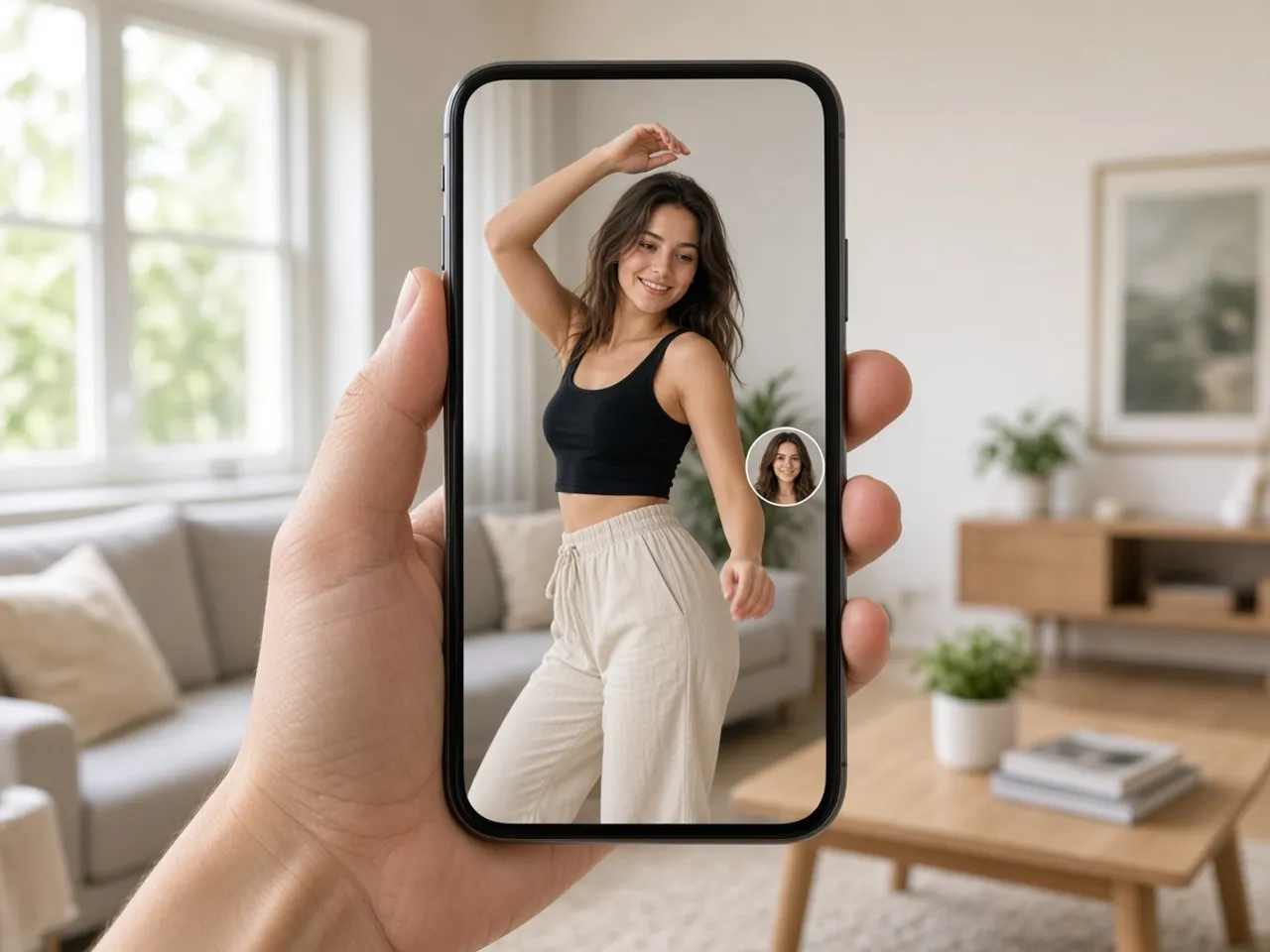
On TikTok, people hold the phone upright and swipe through full-screen videos. Your profile picture sits in a small circle on the side of each clip, over moving footage, while the viewer decides in a second whether to tap. It is one of the smallest images on the screen, and it has to compete with everything playing behind it.
That is why the circle needs one clear subject. A face filling the frame, or a bold logo with a solid background, holds up over a busy video. A wide shot of you on stage, or a poster full of small text, disappears into the footage.
Why a video frame makes a weak profile photo
It feels natural to pause your best clip and use that frame as your picture. In practice, video frames are often soft from motion, oddly lit, and framed for a tall screen with you in the lower half. Cropped into a circle, the face ends up small and blurry.
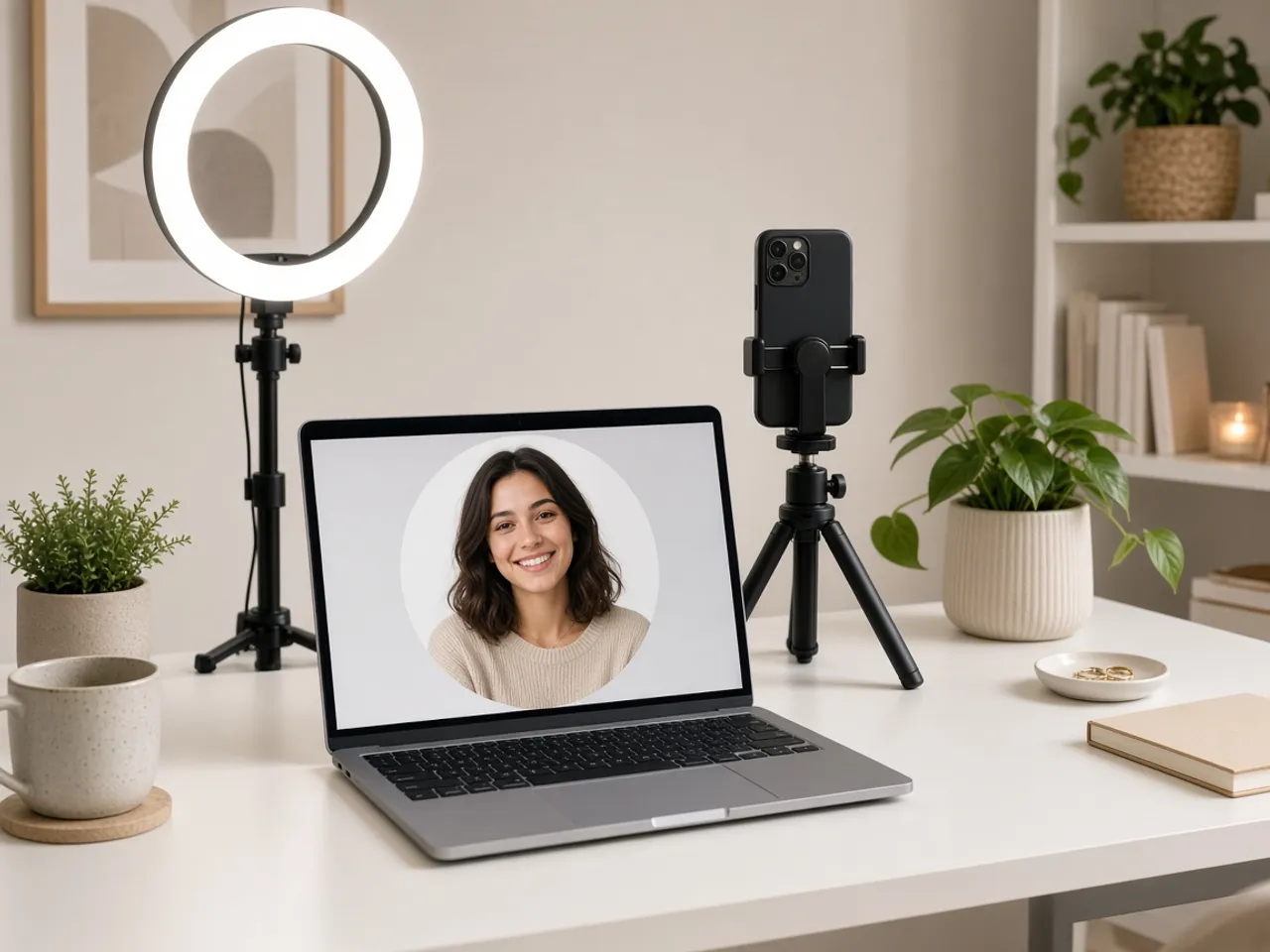
A still photo taken for the purpose works much better. Stand near a window, hold the phone at eye level, and take a quick selfie with a plain background. Bring it here, zoom until your face fills the circle, and you will have a profile image that looks crisp next to every video you post.
The TikTok profile picture size question
Many guides list a TikTok profile picture size as if it were an official rule. The app scales whatever you upload, so the size you choose here matters less than a sharp source. Pick one of the size buttons, keep the default if you are unsure, and download.
If your photo looks soft at every TikTok profile picture size you try, the original is the problem. Go back to the camera roll and pick a version that was not saved from a message, a story, or a screen recording.
Picture or video for your profile?
TikTok’s help page covers adding a profile video as well as a photo. This page makes the still image. A clear photo is the steadier choice for most accounts, because it looks the same wherever the circle appears.
If you also want the same face as a round sticker in your edits, download it here as a PNG. The outside of the circle stays clear, so it can sit on top of footage without a white box around it.
Ideas that work in a small circle
- A close-up selfie with bright, even light.
- Your logo on one solid color, with space around the edges.
- A signature color or outfit fans already link to you.
- Your pet, if the account is really about your pet.
Same look on other apps
If your audience follows you on several platforms, keep the circle consistent. The Instagram resizer and the PFP cropper use the same editor, so the face lands in the same spot everywhere.
Match the picture to your videos
Viewers connect your profile photo with the videos they just watched. If you film in the same room or wear a signature color, a profile picture with that same look makes the account feel familiar the moment someone taps your name.
Creators who appear on screen usually do best with their own face. Brand or meme accounts can use a bold symbol instead, as long as it stays recognizable in the tiny circle under the like button.
Frequently asked questions
What is the official TikTok profile picture size?
TikTok’s public help page on adding a profile photo explains the steps but did not state a pixel size when this page was checked. Charts that list one are not TikTok’s own specification.
Can I use a frame from one of my videos?
You can, but a still photo usually looks sharper. Video frames are often soft from motion. If you do use one, zoom in carefully and check the smallest preview.
Why does my face look cut off in the circle?
The app shows a circle, so the corners of a square vanish. Drag the photo until the whole face, including the chin, sits inside the round preview.
Does the TikTok profile picture resizer make a profile video?
No. This tool exports a still image. Use the app itself if you want a short video as your profile.
Can I use the TikTok profile picture resizer on my phone?
Yes. Open the page in your phone’s browser, tap Upload, frame the photo, and download. Then switch the photo from your TikTok profile.
Is my photo uploaded to this site?
No. The editor runs locally in your browser, and the photo never reaches this website.
Sources
- TikTok profile photo: How to add the photo. No pixel size found
- createImageBitmap: The browser decodes the photo on this device
- HTMLCanvasElement.toBlob: The download is written by the browser, not uploaded