
The glance before the headline
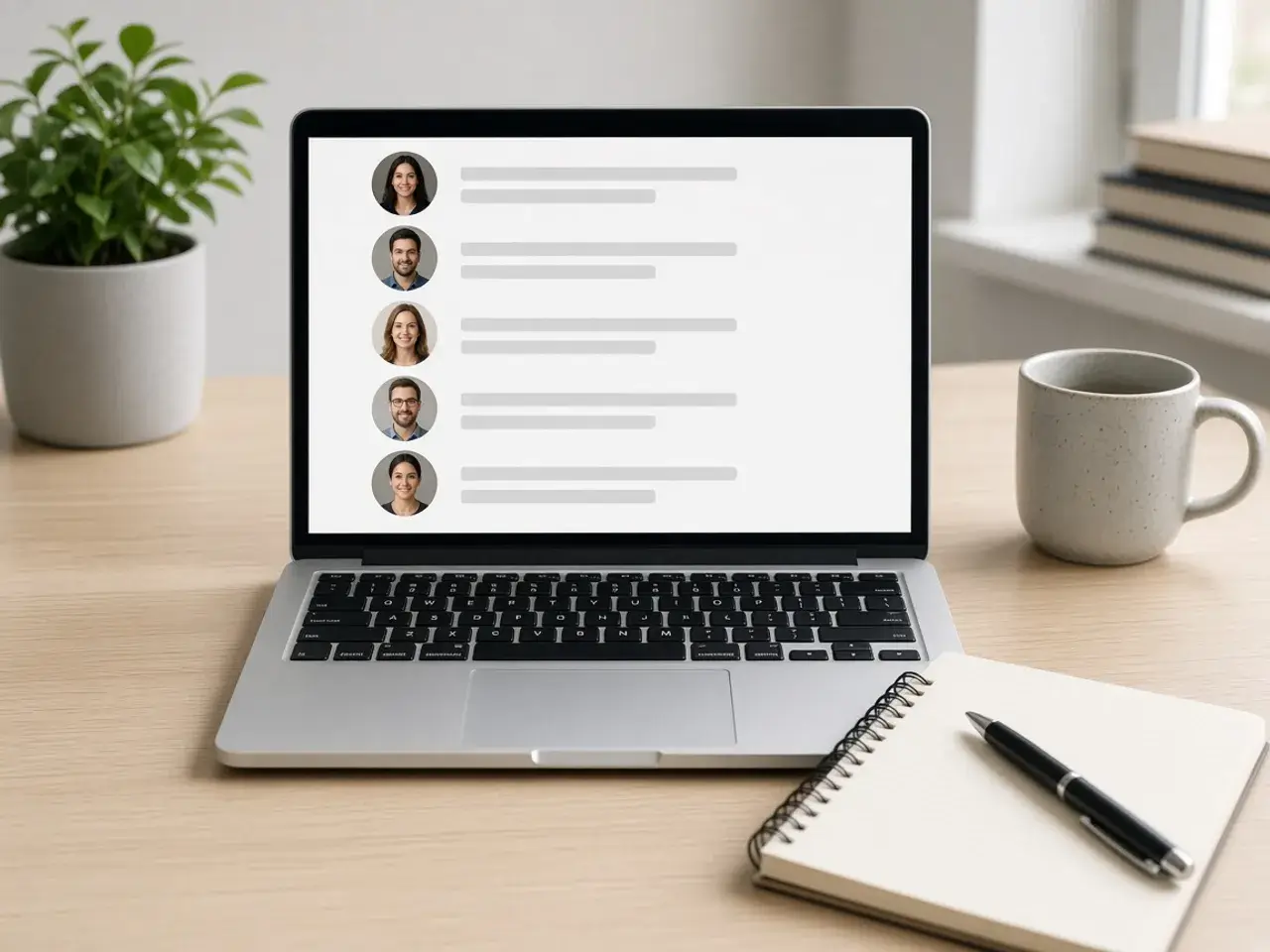
Recruiters and hiring managers move fast. In a list of candidates or a page of search results, your photo is a small circle beside your name, and it is the first thing they notice. A clear face with good light suggests someone prepared. A blurry crop from a party suggests the opposite, even if the experience below is strong.
That is why the frame matters more on this network than on most others. Your headshot should show your face from the top of the hair to just below the shoulders, centered, with a background that does not compete. Check the small previews: if you still look like yourself at the tiniest size, the photo is ready.
Turning an everyday photo into a headshot
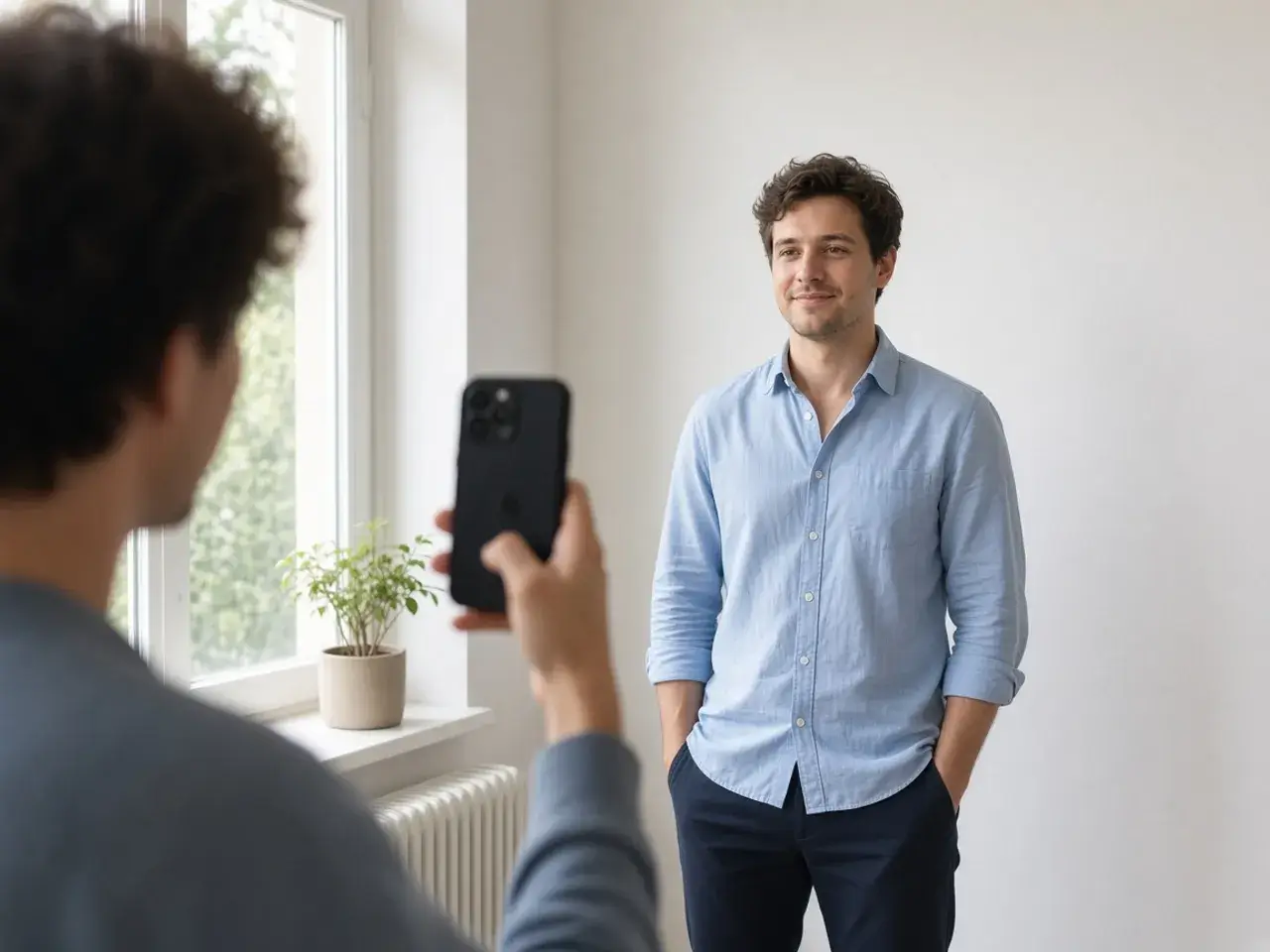
You do not need a studio session. A photo taken by a friend near a window, against a plain wall, can become a strong headshot once it is framed well. Zoom in until your head and shoulders fill the circle, then drag so your eyes sit a little above the middle.
If the camera was tilted, use the straighten slider until your shoulders look level. If the photo was mirrored by a front camera and your company logo on a shirt reads backwards, flip it. Small corrections like these are what make a casual picture look intentional.
Getting the LinkedIn profile picture size right
LinkedIn is one of the few networks that publishes clear upload rules, which are listed in the questions below. The default export and the larger presets sit comfortably inside them, and you can type your own number if a company style guide asks for one.
The right LinkedIn profile picture size is only half the job. A file can meet every rule and still look poor if it started as a small, compressed image. Begin with the original photo from your camera, not a copy pulled from a chat or an old email signature.
Profile photo, banner, and slides
Your profile also has a wide background banner behind the photo. Treat it as a separate image; a stretched headshot never works there. The circle is for your face alone.
If you will use the same headshot on a pitch deck or a team slide, a square file is safer, because the slide software can mask it into a circle without squashing it. The square crop tool makes that companion file, and the border tool can add a thin ring for a printed name card.
What makes a headshot look professional
- Eyes at or slightly above the center of the circle.
- Shoulders visible, so you do not look like a floating face.
- A plain or softly blurred background.
- Even light from the front, not a bright window behind you.
- Clothing you would wear to a meeting with a new client.
When to update your headshot
Change the photo when your look changes: a new haircut, glasses, or a few years since the last picture. Recruiters and new colleagues expect the person on a video call to match the circle they saw on your profile.
A new job or a new role is also a good moment. If your company has a photo style for its team page, matching it on LinkedIn makes your profile look connected to the business you work for.
Frequently asked questions
What is the LinkedIn profile picture size?
LinkedIn’s help center says a profile photo can be anywhere from 400 by 400 to 7680 by 4320 pixels, with a file size up to 8 MB, in PNG or JPG. GIF is not supported. It does not name one single square that you must use.
Which format should I choose in the LinkedIn profile picture resizer?
PNG or JPG, since those are the types LinkedIn lists. WebP is available in the editor for other sites, but it is not the format LinkedIn names.
Should my LinkedIn profile picture size match my banner?
No. The banner is a wide image with its own frame. Make the round headshot here and create the banner separately.
Why does my headshot look cut off?
LinkedIn shows the photo as a circle, so the corners of a square disappear. Zoom out slightly and keep the top of your hair and your shoulders inside the round preview.
Can I make a headshot on my phone?
Yes. Take the photo near a window, open this page in your phone’s browser, frame the face, and download. You can upload it from the LinkedIn app right after.
Is my headshot uploaded to this website?
No. The editor works inside your browser, and nothing is stored here. The file only leaves your device when you upload it to LinkedIn yourself.
Sources
- LinkedIn profile photo: 400×400 to 7680×4320, 8 MB, PNG or JPG, no GIF
- createImageBitmap: The browser decodes the photo on this device
- HTMLCanvasElement.toBlob: The download is written by the browser, not uploaded