Where your Discord avatar shows up
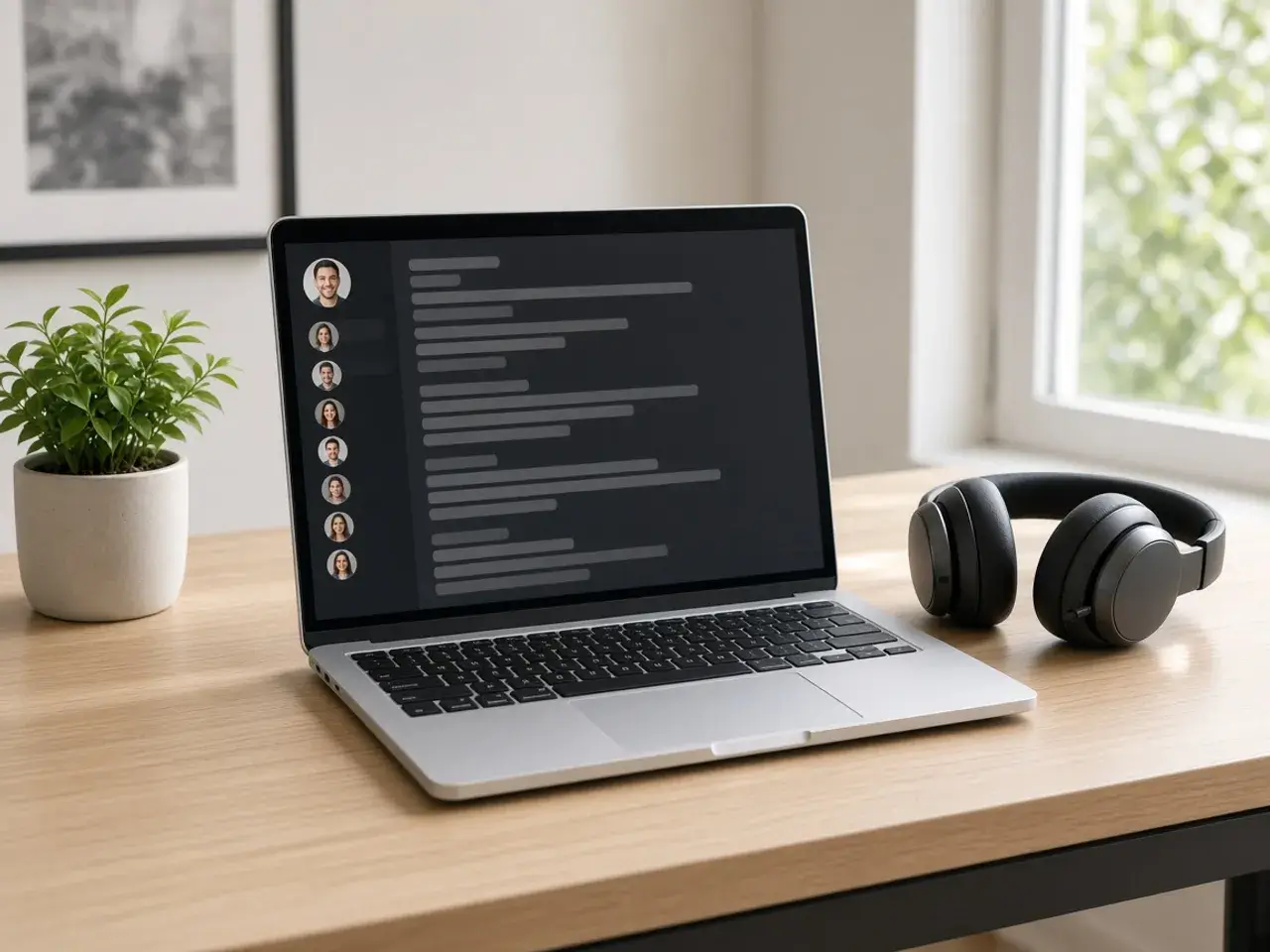
On Discord, your avatar appears as a small circle next to every message you send, in the member list down the side of a server, and as a larger circle on your profile card. Most of the time people see it at the size of a fingertip, so the face or the mark has to be clear at a glance.
A wide photo loses its sides once Discord turns it into a circle, and a group shot becomes a guessing game about which one is you. Crop the circle here first and you decide what stays in the middle.
Why crop it before Discord does
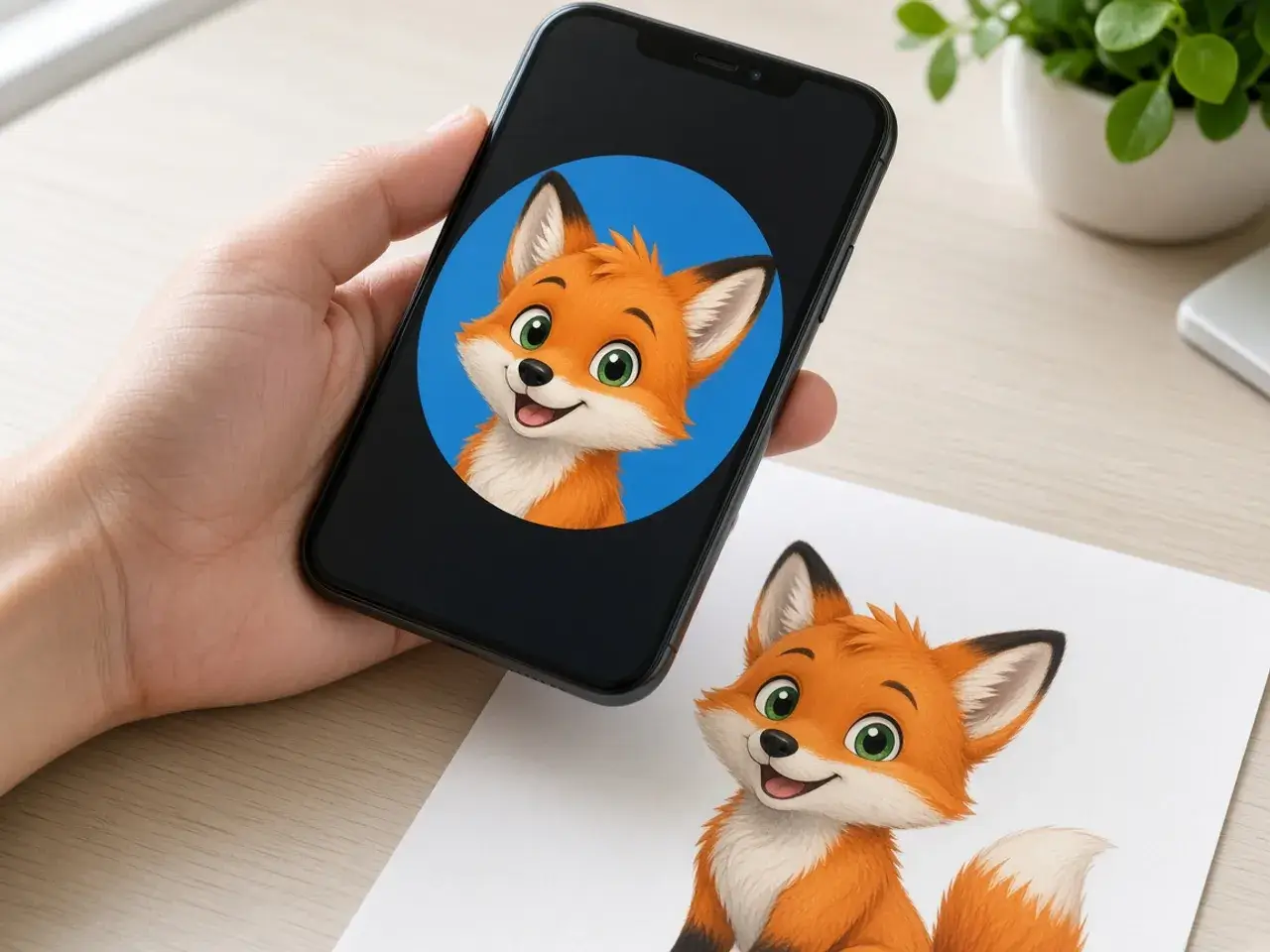
If you upload a rectangle, something has to decide which part becomes the circle. A face near the edge of the photo, or a tall shot with the head at the very top, can easily end up cut off.
Here you see the circle large while you frame it, and small, at the size of a chat message, before you save. If the face turns into a blur in the smallest preview, zoom in and try again. That takes seconds here, and it is a lot more awkward once the new avatar is already showing in every server you are in.
What is the Discord profile picture size?
Discord’s help pages explain how to change your avatar and list the file types it takes, PNG and GIF, but they do not state a pixel size. If you see an exact number quoted on other sites, it does not come from those help pages.
Since there is no official Discord profile picture size to match, this page starts at 512. That stays sharp on high-resolution screens and on the larger profile card, and it uploads quickly. Go up to 1024 if you want a master copy to keep.
Animated avatars and still images
Discord allows animated GIF avatars for Nitro subscribers. This Discord PFP cropper makes still images only. If you open a GIF here, the download is a single still frame, not an animation. For most people a still is the better choice anyway: it reads clearly, and it works on any account.
Even if you do use an animated avatar, a cropped still is worth keeping. It gives you a clean picture for a bot, a second account, or the day your Nitro runs out.
Getting the most from this Discord PFP cropper
If your avatar still blends into the background, add a ring around the circle. For a picture you plan to reuse well beyond Discord, the general PFP cropper has broader tips.
- Zoom in close. A face that fills the circle beats a full-body shot in a busy member list.
- Think about the theme. Dark hair on a dark background vanishes on Discord’s dark theme, and a lighter background helps.
- Keep logos and lettering away from the rim, where the circle cuts them off.
- Save as PNG so the corners stay clear and no white edge shows around the circle.
Free, and nothing leaves your browser
This Discord PFP cropper works on your own device. Your picture is not uploaded to us, and it is cleared when you close the tab. There is no sign-up, no watermark, and nothing to install. The only place your new avatar goes is the Discord account you set it on.
Server icons and bot avatars
A server icon appears in the narrow column on the left side of Discord, next to dozens of other icons. A bold shape or a single face stands out there; a detailed banner shrunk into a circle does not. Crop the icon so the main shape fills most of the circle and leave a little breathing room at the edge.
Bot and community avatars follow the same rule. If you run several bots, give each one a different color or symbol so members can tell them apart at a glance in the chat.
Frequently asked questions
Is this Discord PFP cropper free?
Yes. You can crop and download as many avatars as you like without an account.
What file type should I use for Discord?
PNG. It is one of the formats Discord’s help lists for avatars, and it keeps the outside of the circle clear.
Can I make an animated avatar here?
No. This page exports still images only. Discord’s help says animated GIF avatars need Nitro.
Does Discord crop my picture again?
Discord shows avatars as a circle. Because your file is already round and centered, that circle lands where you expect it to.
What Discord profile picture size do I get here?
It starts at 512 and offers presets up to 1024, plus a custom size. Those are this site’s suggestions, not numbers from Discord.
Can I use the Discord PFP cropper for a bot avatar?
Yes. A bot’s avatar is shown in the same circle, so crop the logo or mascot the same way and upload it where you manage the bot.
Sources
- Discord custom profiles: PNG and GIF avatars. Animated GIF needs Nitro. No pixel size
- Discord per-server profiles: JPG, PNG, or GIF up to 8 MB for a server avatar
- createImageBitmap: The browser decodes the photo on this device
- HTMLCanvasElement.toBlob: The download is written by the browser, not uploaded